
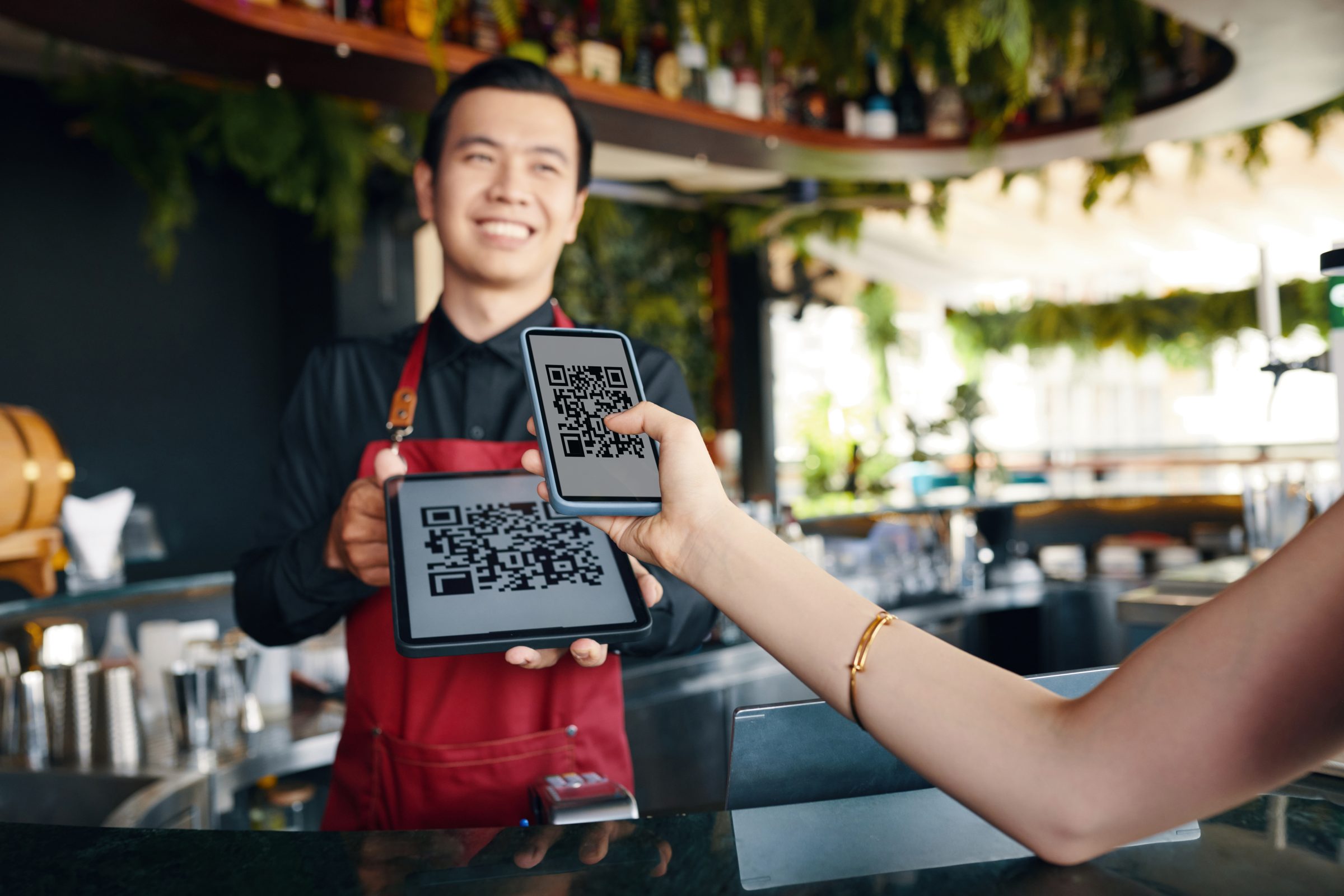
Scan, order, and pay
at the table.
Let guests open your menu, place orders and pay from their phones without downloading an app.
- Scan QR
- Browse menu
- Review order
- Payment
- Table & room QR codes
- No app download
- Live order updates
- Pay directly by QR
From scan to service in a few simple steps.
Guests can start ordering immediately using their phone camera without creating friction at the table.
- Phone camera
- Table ID
- Instant open
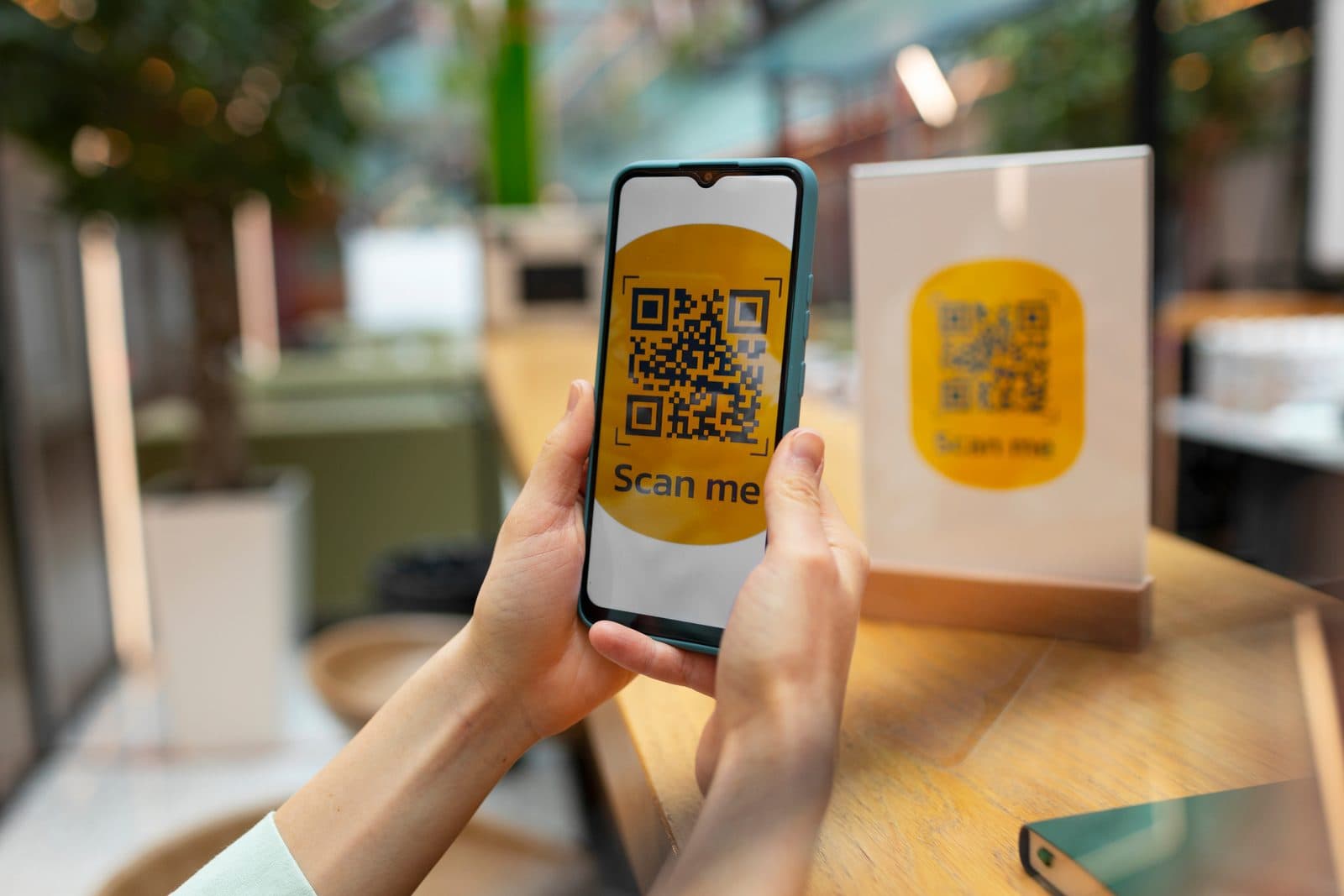
Scan the QR code
Guests scan the code placed on their table, counter or room. No app download required just the phone camera.
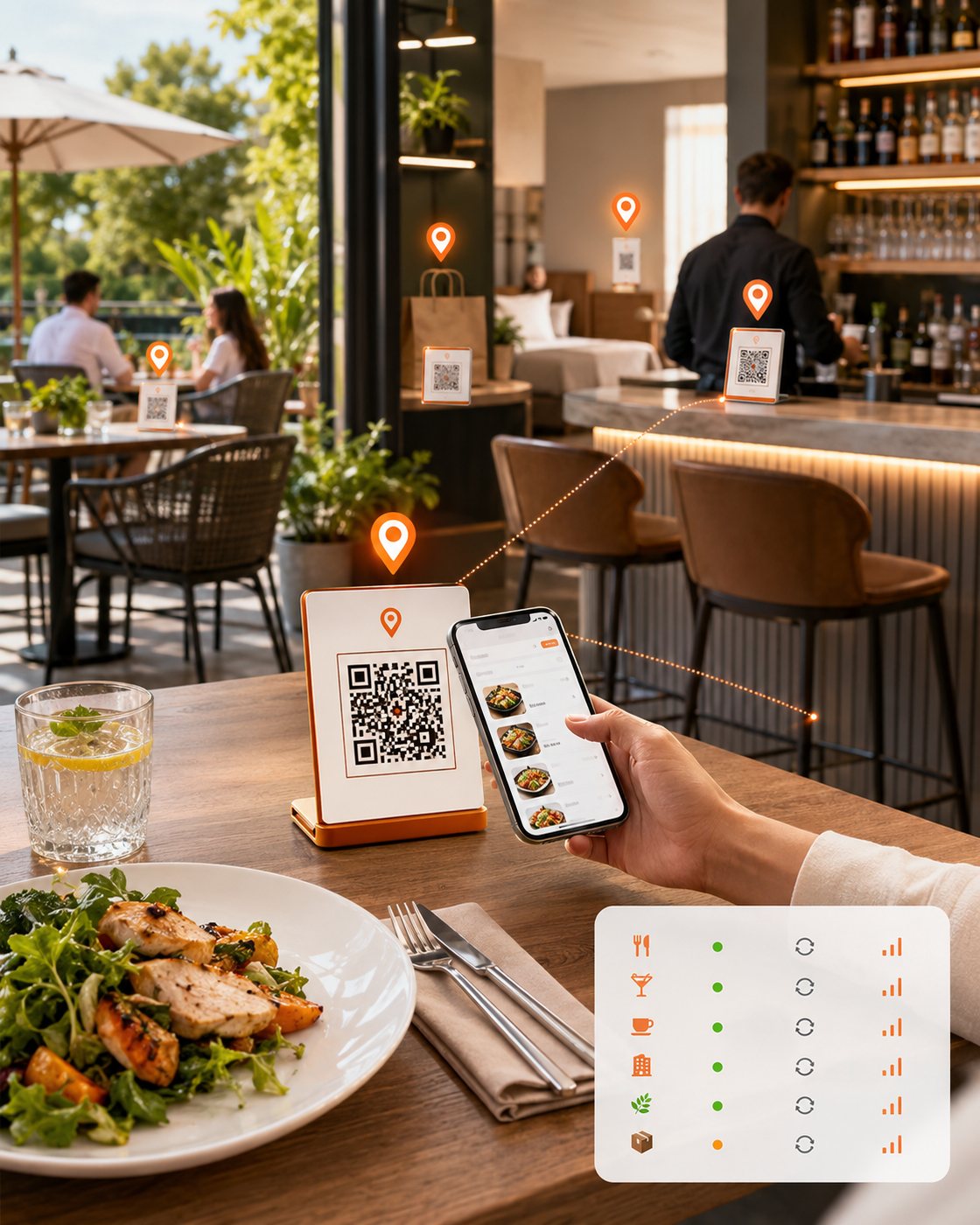
The right QR code for every table and room.
Create and manage unique QR codes that connect each guest order to the correct service location.
- Each QR maps to a valid table, room or service area
- Disabled QR codes do not open an active ordering session
- Regenerating a code invalidates the previous one immediately
- Print and download actions are clearly separated
Traditional

- 1Download app
- 2Create account
- 3Verify details
- 4Find restaurant
- 5Start order
QR Flow
 No app needed
- Scan QR code
- Browse menu
- Order & pay
Done in seconds
No download. No account required.
Guests can open the ordering experience directly in their mobile browser and start ordering immediately.
- Secure browser experienceOpens in the guest's mobile browser over a secure connection.
- Restaurant brandingYour logo, colours and domain—not a generic ordering app.
- Guest checkoutOptional account sign-in. Guests can continue without one.
- Fast loadingMenu content is optimised for mobile bandwidth and speed.
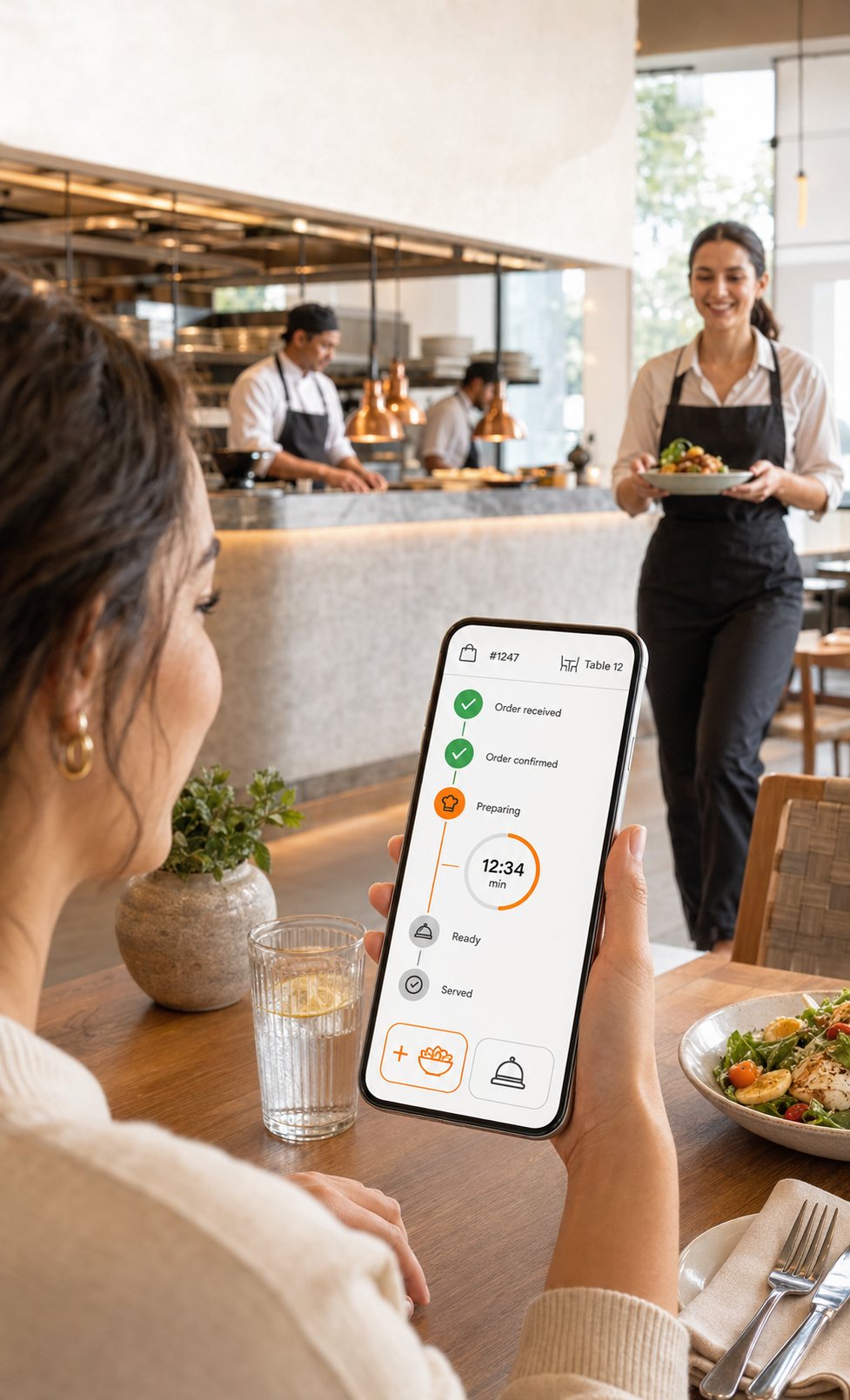
Keep guests updated without extra questions.
Show clear live status updates from order submission through service. Guests know exactly where their order is—without flagging a staff member.
- Status timeline from received to served
- Estimated preparation time shown clearly
- Add more items during the same visit
- Contact staff if something is needed
- Order number and table always visible
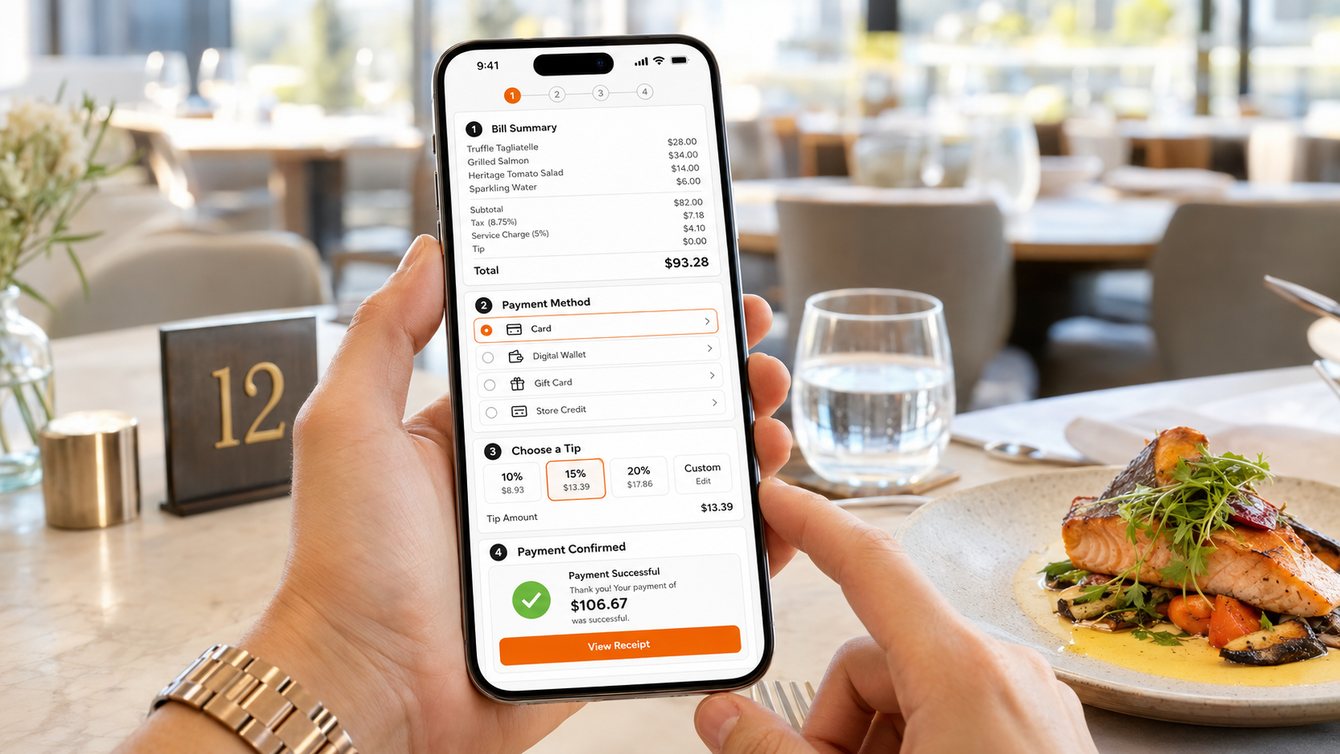
Make settling the bill as easy as ordering.
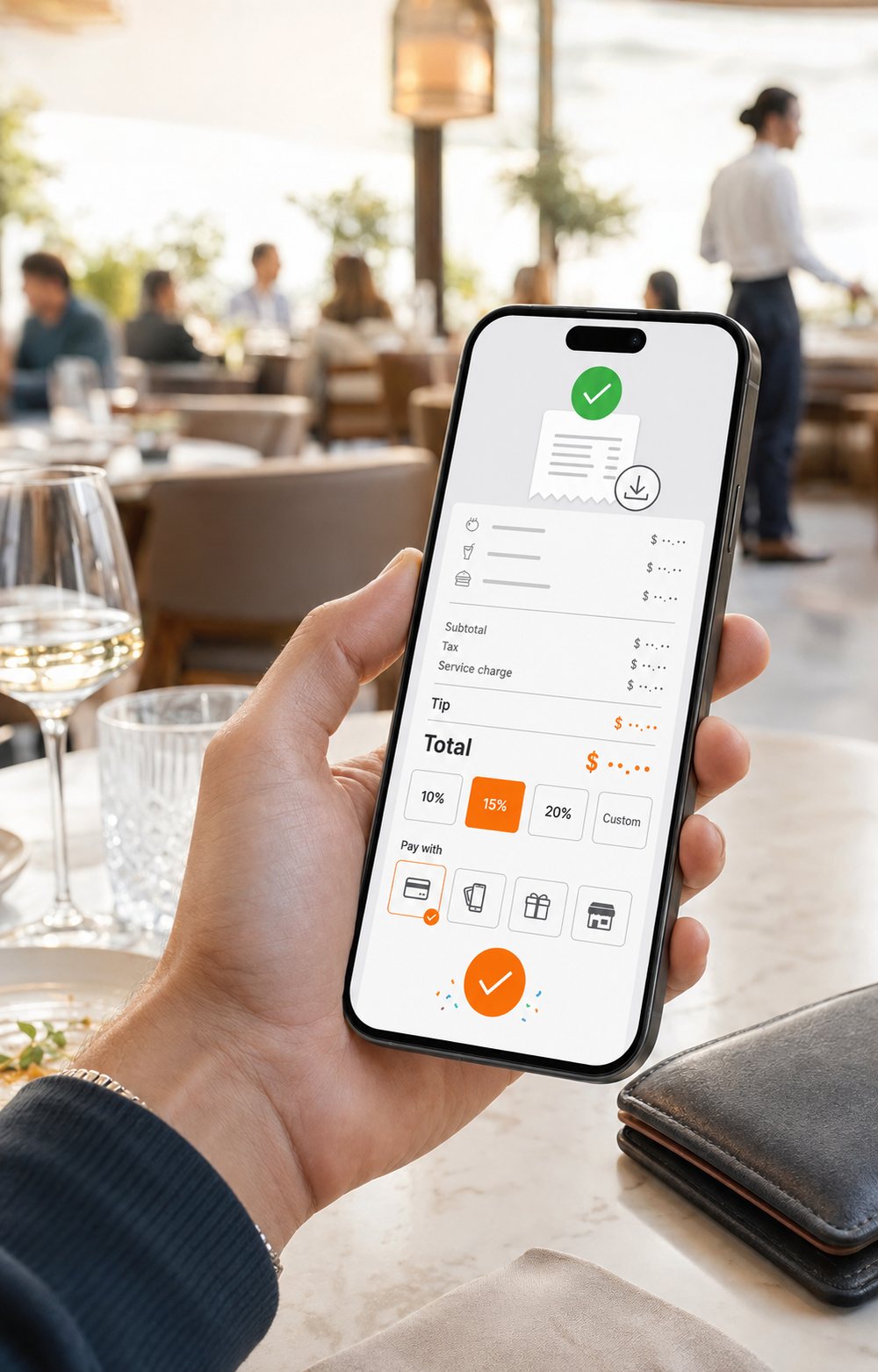
Guests can open their bill, choose a supported payment method and complete payment from their phone.
- Full bill summaryItems, tax, service charge, tip and total—clearly displayed.
- Configured payment methodsCards, digital wallets, gift cards and store credit.
- Flexible tippingGuests choose 10%, 15%, 20% or a custom amount.
- Instant confirmationPayment receipt available immediately after confirmation.
A smoother contactless experience for everyone.
QR ordering creates value across your entire operation from first scan to final payment.
For Guests
- No app download
- Order when ready
- Fewer waiting periods
- Contactless payment

For Staff
- Fewer manual order entries
- Clear table identification
- Live order visibility
- Reduced payment handling

For Operators
- Faster table turnover
- Consistent digital menu
- Payment visibility
- Service performance data
Built for flexible table service.
Casual Dining
Let guests browse, order and pay without waiting for every service step.
- Table QR
- Add more items
- Running bill
- Pay-by-QR

Bar
Support repeat drink orders and faster payment during busy service periods.
- Fast reorder
- Open table bill
- Live order status
- Contactless payment

Café
Give seated guests a simple way to order food and drinks from their table.
- No-app ordering
- Menu browsing
- Table identification
- Digital receipt
Connected to your payment workflow.
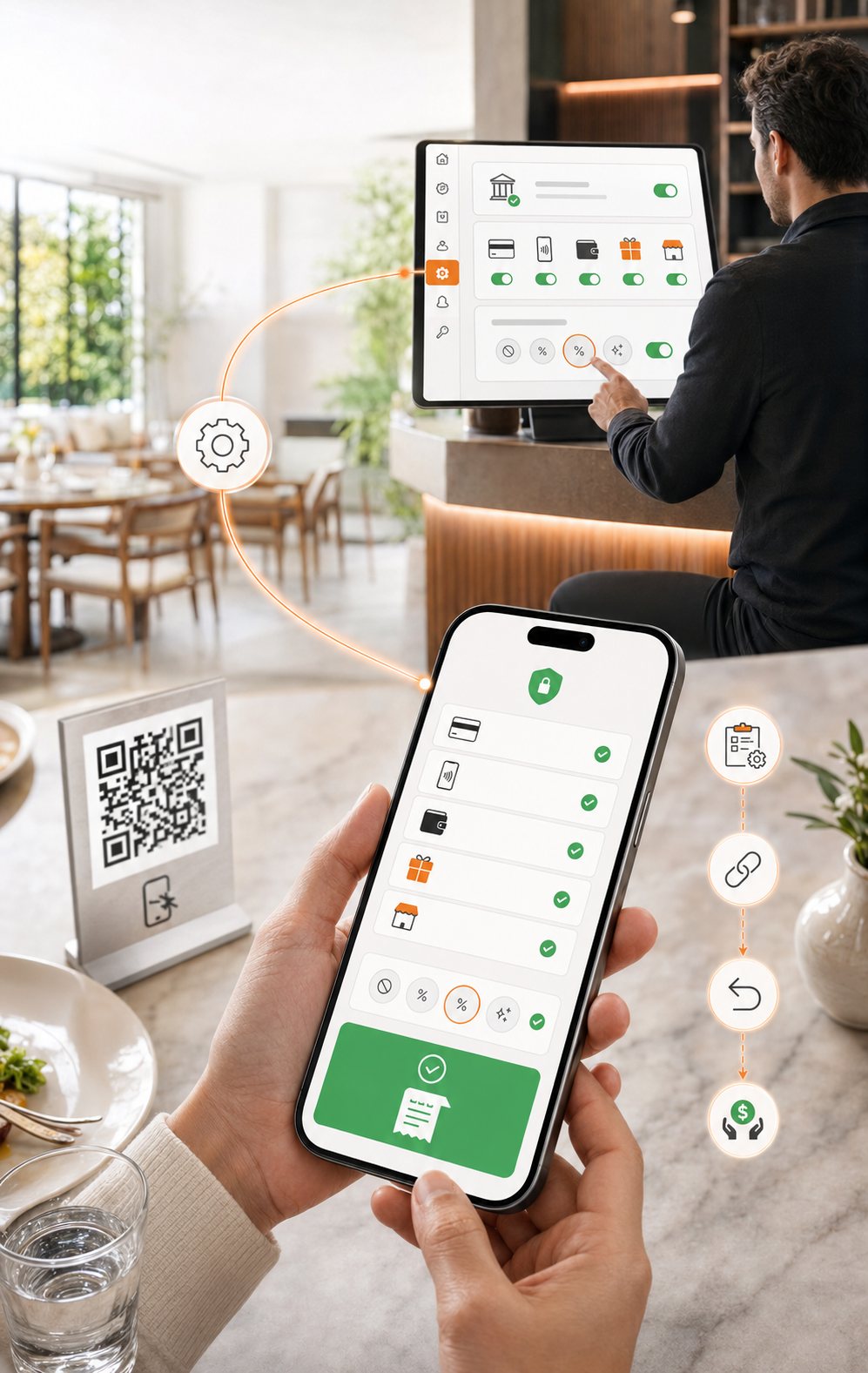
Use configured payment methods to let guests securely complete their bill through the QR experience.
- Supported payment provider configured in account settings
- Enabled methods shown to guests at checkout
- Tip configuration set per venue
- Receipt sent digitally—no paper required
- Refund references linked to the original order
QR ordering questions, answered.
Each QR code is linked to a specific table, room or service area. The code can then be downloaded or printed and placed where guests can scan it.
No. Scanning the code opens your ordering page directly in the phone's browser over a secure connection. Guests can order and pay as a guest — creating an account is optional.
Guests see the methods you have enabled for the venue — cards, digital wallets, gift cards and store credit — all handled by the payment provider configured in your account settings.
Yes. You can keep an open table bill so guests add items across the visit and settle once at the end, or require payment at the point each order is placed.
It can be. Guests scan, order, pay and receive a digital receipt from their own phone, so no menus, card machines or paper receipts need to change hands.
Ready to make table service faster?
See how QR ordering and pay-at-table can work with your restaurant workflow.
Get a walkthrough tailored to your tables, menu and payment setup.