
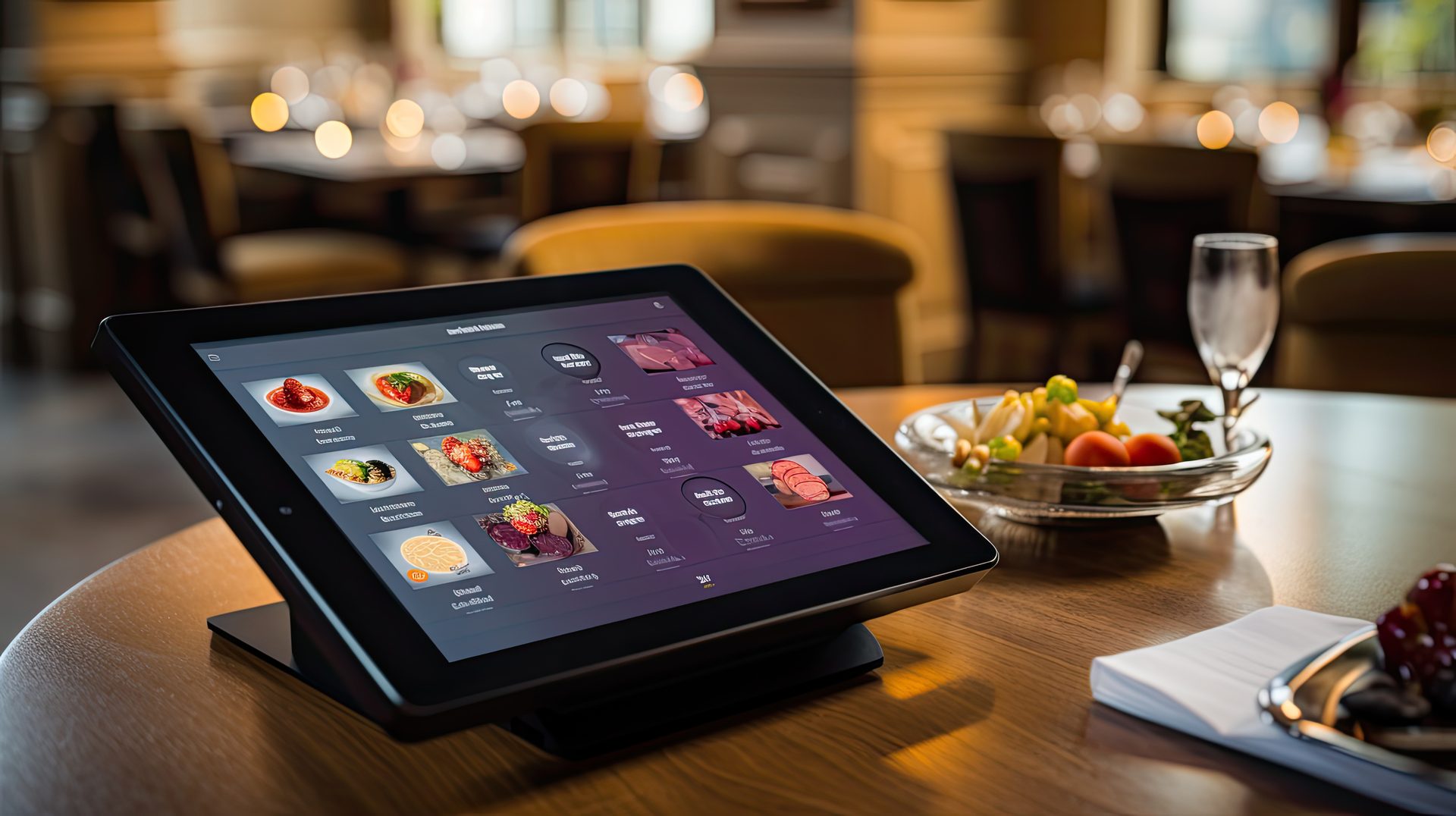
Build & manage
your menu.
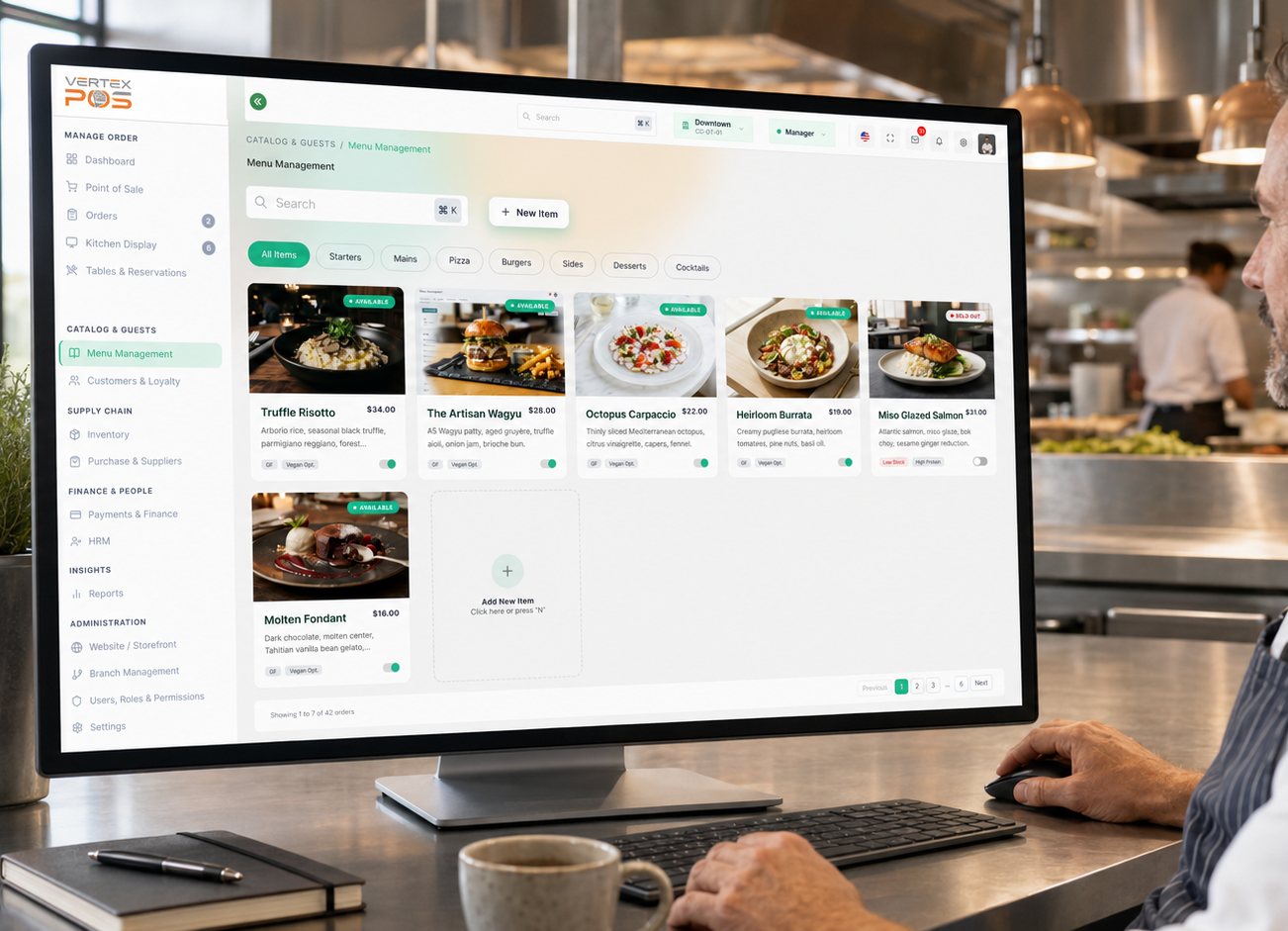
Create items, variants, categories and modifier groups with clear pricing, availability and bulk-management controls.
- Items
- Variants
- Categories
- Add-ons
- Pricing
- Activation
- Bulk Import
See menu health across every outlet and channel.
Total Items
142
Active
128
Missing Prices
3
Scheduled
5
Import Success
142
Sample figures shown for illustration.
Create each menu item with the details customers need.
Rich metadata management for every SKU. Control descriptions, imagery, and dietary tags from a single dashboard.
Dynamic Categories
Group by meal type, seasonality, or kitchen station.
Rich Descriptions
Multi-language support for global operations.
Offer sizes and options without duplicating items.
Manage complex SKUs as variants to keep your menu clean and your inventory accurate.
| Variant Name | Internal SKU | Base Price | Status | Actions |
|---|---|---|---|---|
| Small (8") | PZ-MAR-SM | $12.00 | Active | Edit control |
| Medium (12") | PZ-MAR-MD | $18.00 | Active | Edit control |
| Large (16") | PZ-MAR-LG | $24.00 | Scheduled | Edit control |
Sample variant set shown for illustration.
Configure modifiers without confusing checkout.
Single-choice (Required)
Force a selection for core item choices like "Cooking Temp" or "Bread Type".
Multiple-choice (Add-ons)
Upsell with optional toppings, sides, and extras with max-limit validation.
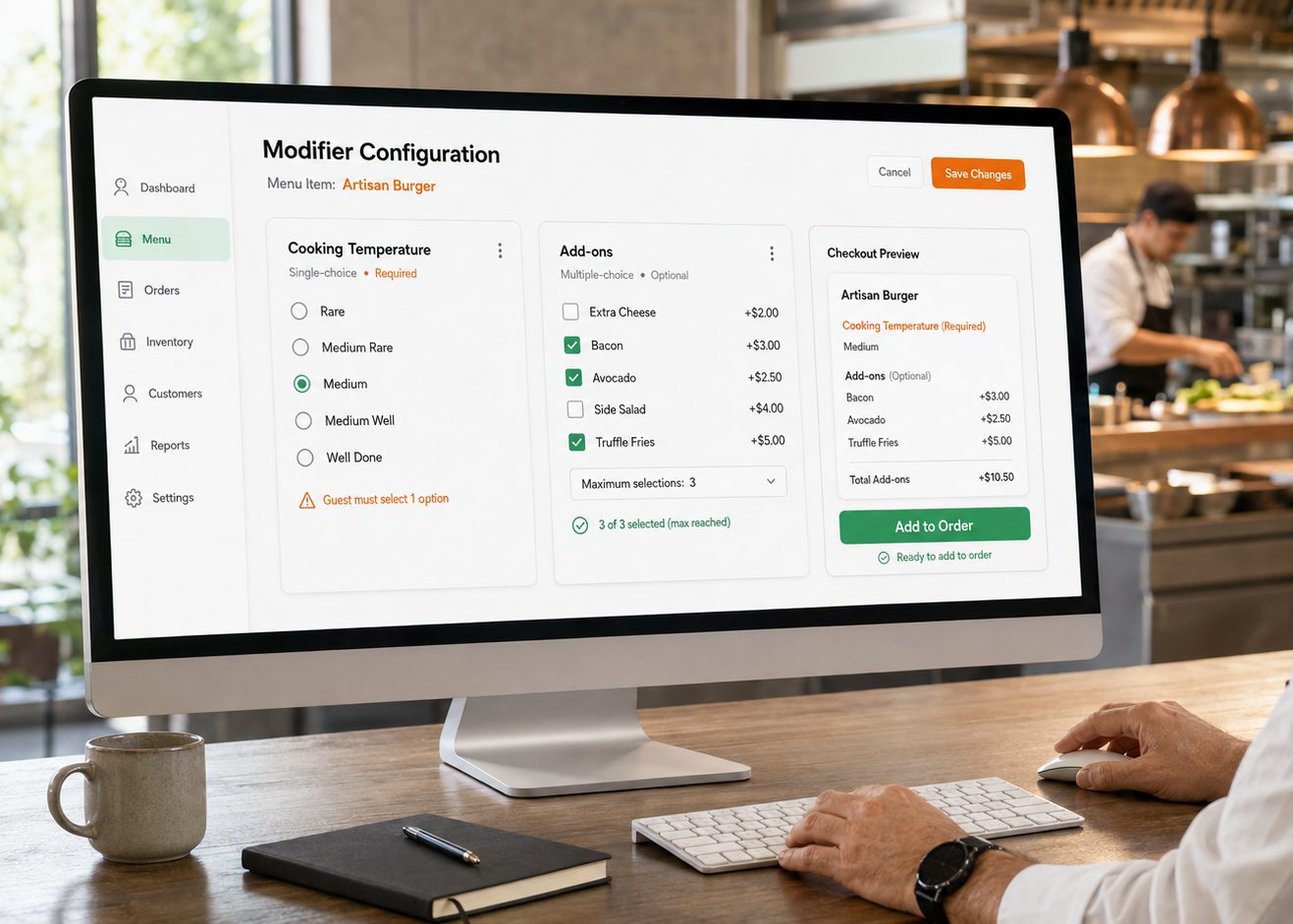
Example configuration. Modifier names, prices and any allergen or dietary notes are entered and maintained by your team, and stay your responsibility to keep accurate.
Set the right price for each location and ordering channel.
Channel Pricing Grid
| Item | In-Store (POS) | Web Ordering | Third Party Delivery |
|---|---|---|---|
| Classic Wagyu | $18.00 | $18.00 | $21.60 |
| Truffle Fries | $7.00 | $7.50 | $9.00 |
| Artisanal Shake | $9.00 | $9.00 | $10.80 |
Smart Surges
Apply percentage markups to specific channels automatically, so delivery commission costs are covered without re-pricing every item by hand.
- Delivery Markup
- +20%
- Peak Hours Adjust
- +10%
Sample prices shown for illustration. Third-party delivery prices are the web ordering price plus the 20% delivery markup; the peak hours adjustment applies only during the hours you schedule.
Bulk Import Success
Sheet: Menu_Spring_Final.csv
- New Items Added
- 42
- Items Updated
- 142
- Errors Detected
- 0
Sample import shown for illustration.
Manage large menus through a
validated import workflow.
Our intelligent validator checks for pricing gaps, SKU conflicts, and missing images before anything goes live.
CSV & Spreadsheet Support
Import directly from your existing spreadsheets.
Real-time Validation
Stop errors before they reach your customers.
Frequently Asked Questions
It is the catalogue behind the till: items, variants, categories, modifier groups, pricing, availability and bulk management, all edited from one dashboard rather than re-keyed per outlet. Each item carries the detail a guest sees — description, imagery, category and the dietary tags your team applies — and descriptions support more than one language for venues that need it. Above that sits a menu health view showing total items, how many are active, how many are still missing a price, how many have a change scheduled and how the last import landed. The counters on this page are illustrative sample data used to show the shape of the screen, not a result we are projecting for your venue.
Use a variant when you are selling the same dish in different sizes or formats — a margherita at 8, 12 and 16 inches — so the menu carries one item with three variants rather than three near-identical entries that have to be edited in parallel. Each variant holds its own internal SKU and base price, which is what lets the sale be attributed to the right line for stock and reporting. Variants also carry their own status, so one size can be active while another sits scheduled until the date you set. A separate item still makes more sense when the dish is genuinely different in its description, imagery or modifier groups.
Yes. The channel pricing grid holds a price per item for in-store POS, web ordering and third-party delivery, and you switch between outlets to set those figures per location. Percentage markups can be configured against a specific channel — a delivery uplift to cover commission, or a peak-hours adjustment — so the channel price follows the rule rather than being re-entered by hand each time you change a base price. What the grid does not do is tell you what to charge. Tax treatment of food and drink, whether displayed prices should include tax, and the rules on price display vary by jurisdiction and change over time; those settings are configurable in Vertex, and how you configure them is a decision for you and your accountant.
A group is either single-choice or multiple-choice. Single-choice groups can be marked required, which holds the order until the guest picks a value for something like cooking temperature or bread type. Multiple-choice groups cover optional extras — toppings, sides, upgrades — each with its own price adjustment, and you can set a maximum number of selections so a ticket cannot be loaded past what the kitchen can produce. The checkout preview shows the item, the required choice, the selected add-ons and the running add-on total, so you can see how a group will read to the guest before it goes live.
Vertex stores and displays the dietary tags and allergen or ingredient notes your team enters against an item, variant or modifier, and shows them wherever that item appears. It does that and no more. It does not read your recipes, verify ingredients, check what a supplier changed in a product specification, assess cross-contamination risk in your kitchen, or determine what your menu is required to declare under food-information law in your market. A tag reading vegan, gluten-free or halal is a statement your business is making, not one Vertex has checked. Keeping those tags correct as recipes, suppliers and preparation methods change — and confirming that what you publish meets your legal obligations — stays with you and your food-safety adviser. Where a dish is prepared alongside allergens, that is something your team needs to communicate; the system will not infer it.
You import from a CSV or Excel sheet, and the file is checked before anything is published. The validator looks for the problems that are cheap to catch on a spreadsheet and expensive to catch at the pass — missing prices, conflicting SKUs and items without an image — and reports new rows, updated rows and detected errors as a summary you review and approve before the changes go live. That review step is the point: it is a staging gate, not a claim that every mistake in a sheet will be spotted. The validator checks structure and completeness, so it cannot tell you that a price was typed correctly but decided wrongly, or that a description no longer matches the dish. Menu accuracy comes down to what your team enters and how promptly they update it when the kitchen changes.

Ready to run your menu from one place?
See how Vertex keeps items, variants, modifier groups and pricing in one catalogue, so a change you make once can flow out to your outlets, registers and online ordering channels.