
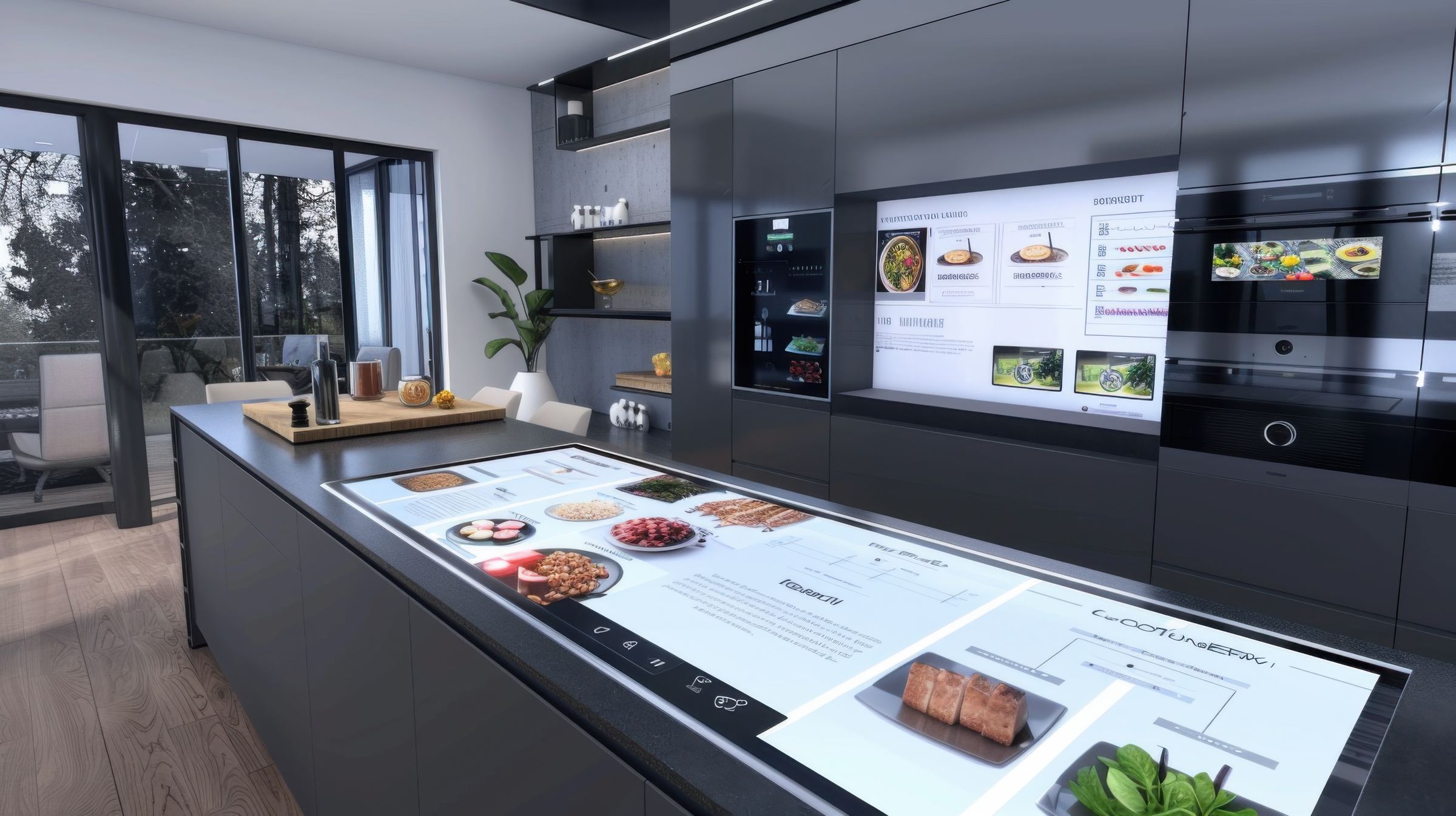
Keep the kitchen
in perfect sync.
Route every order to the right kitchen screen, track item progress and keep service teams updated in real time — from first ticket to final bump.
- Live Tickets
- Item Status
- Kitchen Routing
- Split Tickets
- Bump & Recall
- Print History
Live Ticket Board
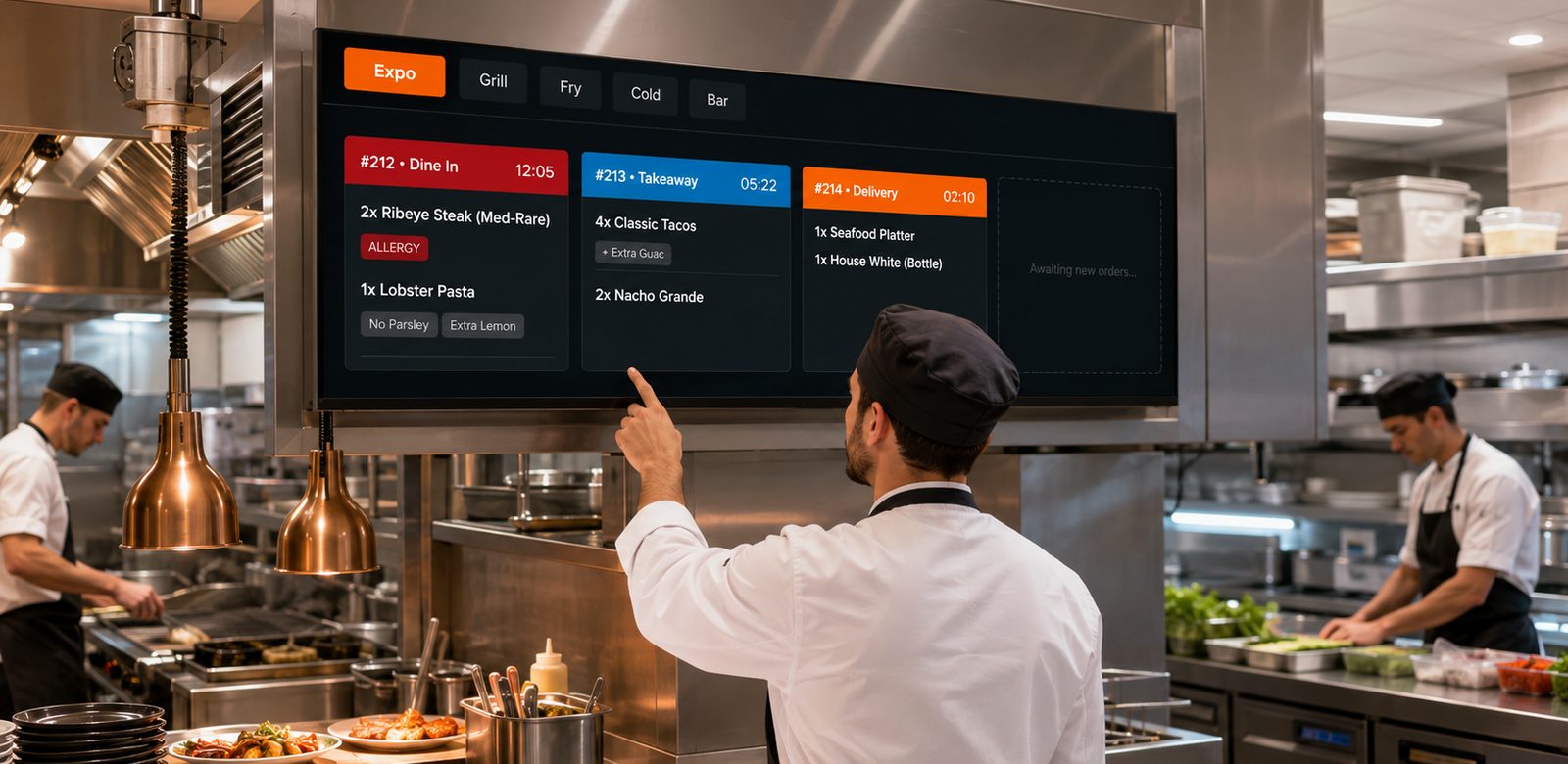
Intuitive ticket management designed for high-heat environments. Focus on what needs to be cooked, when it needs to be cooked.
POS / Order Source
- Grill
- Fry
- Expo
Intelligent Routing
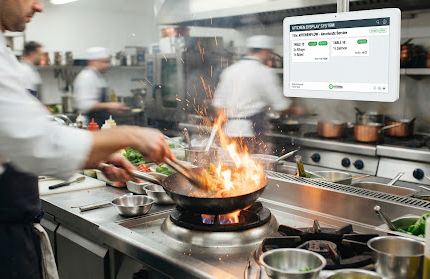
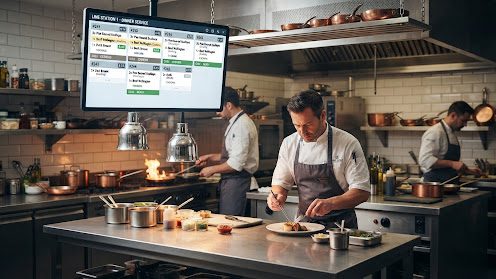
Automatically route specific menu items to the correct preparation stations. A single order from the POS can be seamlessly split across the Grill, Fry, and Garde Manger stations, then reunited at the Expo.
- Reduce redundant communication
- Synchronized timers across stations
- Load balancing during peak hours
Bump & Recall
Keep track of every finished plate. Bump orders when ready and recall them instantly if a modification is needed.
Recent History
- #201 • 14:02 CompleteRecall
- #198 • 13:58 CompleteRecall
Offline Operation
Your kitchen doesn’t stop when the internet does. Vertex continues to sync tickets via local network and caches all data until connection is restored.
Frequently Asked Questions
Every order is routed from the POS to the right kitchen screen in real time — from first ticket to final bump. Specific menu items are sent automatically to the preparation station that cooks them, so nothing is called out twice or written down by hand.
Yes. A single order from the POS can be split across stations such as Grill, Fry and Garde Manger, then reunited at the Expo screen. Timers stay synchronised across stations so items that belong to the same order finish together.
Each live ticket shows its order number, order type — dine in, takeaway or delivery — and an elapsed timer, with every item and its modifiers listed underneath. Allergy flags and special requests such as 'No Parsley' or 'Extra Lemon' are shown on the ticket itself, and item status updates as the line works through it.
Bump an order when it's ready and it moves off the active board into recent history. If a modification comes back, you can recall that ticket instantly from the history list rather than re-firing the order from the POS.
Your kitchen doesn't stop when the internet does. Tickets continue to sync over your local network and all data is cached until the connection is restored, so the board keeps running through the outage and catches up once you're back online.
The ticket board is designed for high-heat environments, so the line sees what needs to be cooked and when it needs to be cooked rather than a wall of detail. Load balancing across stations is supported during peak hours, which cuts the redundant call-outs between sections when volume spikes.

Ready to put every ticket on one screen?
See how Vertex routes each order to the right station, tracks item progress in real time and keeps your line moving from first ticket to final bump.