Vertex Flex
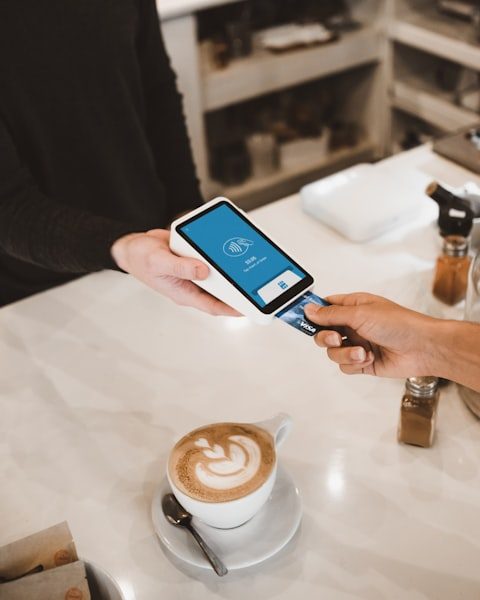
Take payments everywhere — tableside, curbside, or on the go.
$49/mo
+ $14.99 activation
Browse by
Take Orders
6 featuresSee Vertex POS in Action
Explore how Vertex manages ordering, inventory, kitchen, payments and customer engagement all in one platform.
Book DemoGrow your business by reselling or integrating with Vertex. Partner with us
Browse by
Fine Dining
4 featuresFind Your Perfect Fit
Whether you run one outlet or five hundred, Vertex adapts to your service model.
Talk to an ExpertBrowse by
Learning
4 features2025 Restaurant Tech Guide
Download our definitive 40-page guide to choosing, implementing and scaling restaurant technology.
Download FreeBrowse by
Company
4 featuresBecome a Vertex Partner
Grow your business by reselling or integrating with Vertex.
Apply NowLearn More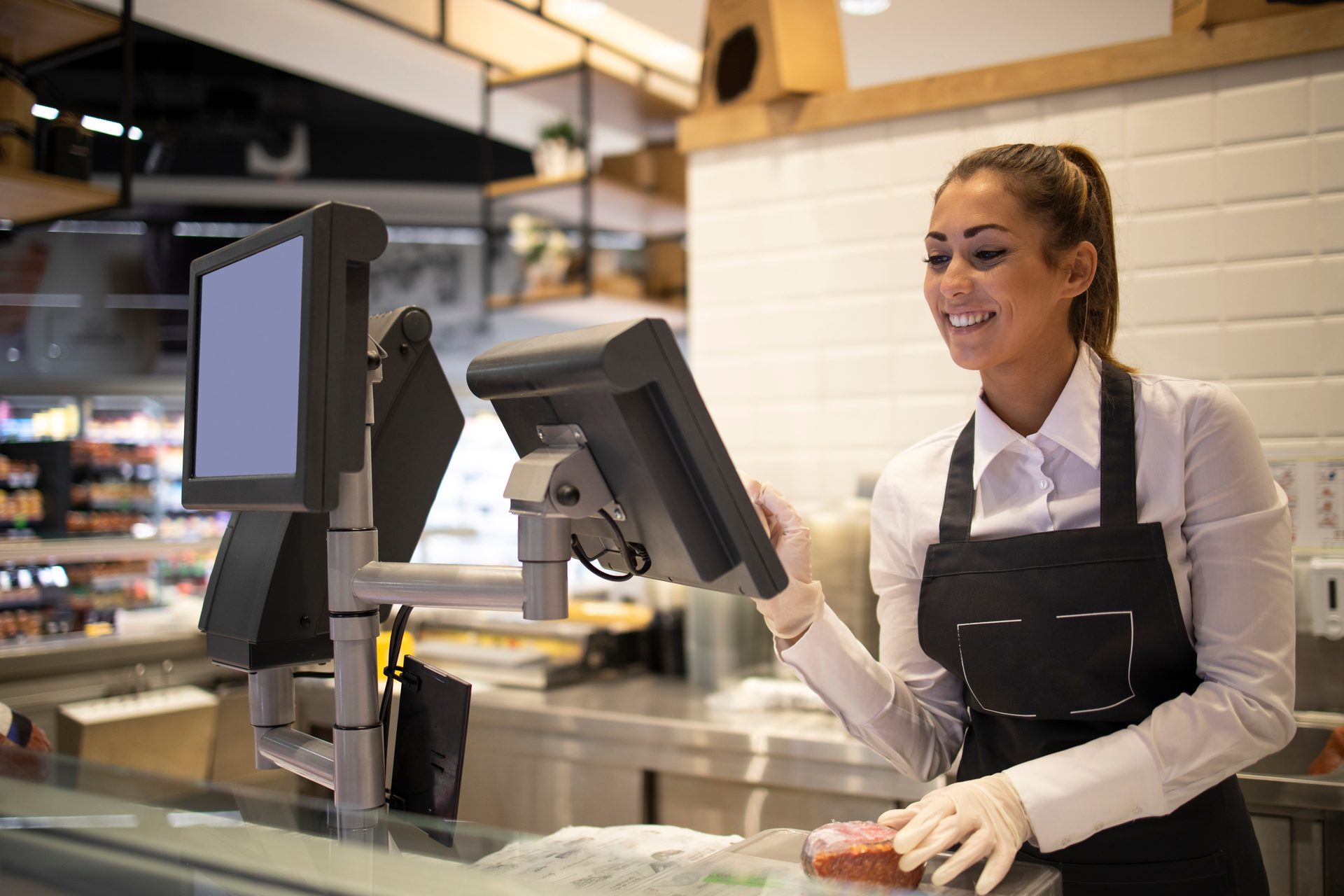
Unify your restaurant operations with hardware that actually talks to each other. From PAX terminals to Epson printers, we work with widely used industry gear.
Take payments everywhere — tableside, curbside, or on the go.
$49/mo
+ $14.99 activation
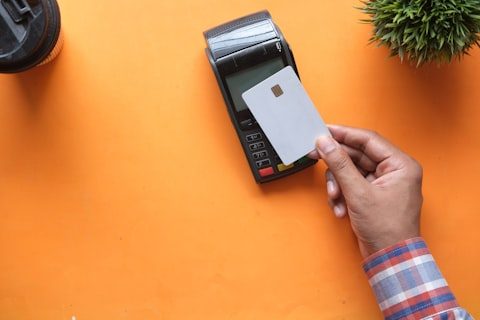
A highly capable POS in a compact, lightweight pocket-sized design.
$34/mo
+ $9.99 activation

Our most popular all-in-one countertop POS. Fast setup, intuitive software, and built-in payments.
$45/mo
+ $14.99 activation

Self-service ordering and checkout — reduce lines and free up your staff.
$55/mo
From $499 device

Kitchen Display System — manage orders faster, with fewer errors and less paper.
$35/mo
From $249 device

Everything you need in one box — terminal, cash drawer, and receipt printer, ready to go.
$69/mo
All-in-one bundle

Same great Mini, now available without a service plan — pay as you go.
$299device
2.3% + 10¢ per transaction
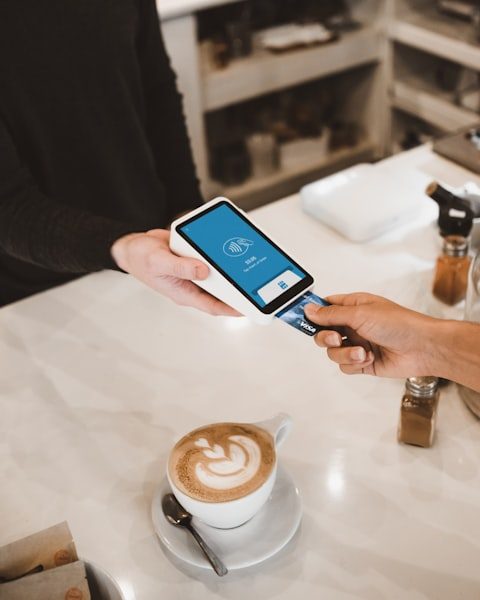
High-volume countertop power with a large customer-facing display.
$59/mo
+ $14.99 activation
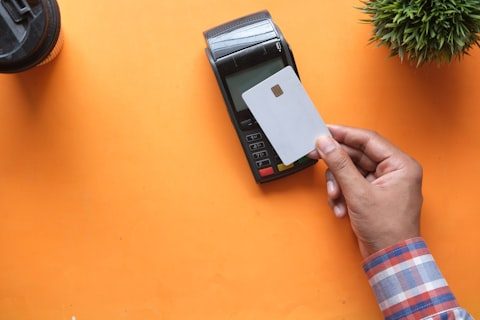
A simple card reader that pairs with your phone. Start selling in minutes.
Free
2.6% per transaction
Already have hardware? Run Vertex POS software on your existing devices — no new device required.
$14/mo
Software subscription
Choose your style, devices, and accessories and get a custom quote.
From dispute protection to next-day funding, we've built the safeguards your business deserves.
We fight chargebacks on your behalf and absorb the cost of covered disputes.
Industry-leading reliability so you never miss a sale.
Real humans available by phone, chat, and email around the clock.
Bank-grade security protects every transaction.
Cash advances, business checking, and payroll in one platform.
Get up and running in minutes — no IT team required.
Sync with QuickBooks, Shopify, DoorDash, and more.
Deposits arrive the next business day, automatically.
Discover solutions tailored to your industry.




Industry spotlight
Manage tables, split bills, fire orders to the kitchen, and turn tables faster with Vertex POS built for dine-in.
Explore solutionsGet started today
At Vertex POS, your device choice has never been easier. Tell us about your business and we'll recommend the right setup — and you can start taking payments from day one.
A device, a software plan, or both — the catalogue on this page mixes all three, so it is worth reading the small print under each card rather than the headline figure. Broadly there are three commercial shapes. Most items are a monthly service plan with a one-off activation fee: the handheld and countertop terminals, the kiosk and the kitchen display are all listed this way, with the kiosk and KDS also carrying a device cost and a Contact sales button instead of a checkout. One is a bundle — the Station Bundle is described as terminal, cash drawer and receipt printer in one box. Some are the opposite arrangement: buy the device outright with no service plan and pay a published per-transaction rate instead, or take the card reader at no device cost on a per-transaction rate. And one is software only, for hardware you already own. Two honest caveats. Every price, activation fee and percentage on this page is what was listed at the time it was written, for the territory it was written for; taxes, currency, card-scheme costs and plan availability differ by region, so confirm the current figures with sales before you budget. And a per-transaction rate and a monthly plan are not comparable on their own — which is cheaper depends entirely on your volume and average ticket, and that is arithmetic for your numbers, not ours.
That is what the Account Only option on this page is for: run Vertex POS software on your existing devices on a software subscription, with no new device required. Whether it works with your specific equipment is a separate question, and we are not going to answer it with a logo wall. This page's headline — works with your hardware — is a statement of intent about how the platform is built, not a device-by-device guarantee, and you should not read a named brand in any marketing copy as confirmation that your particular model, running your particular firmware, is supported. Tablets and phones are usually the easy part. Peripherals are where compatibility actually breaks: receipt and kitchen printers vary enormously in how they are addressed, cash drawers are typically opened through the printer rather than directly, scanners and scales differ in how they present themselves to the operating system, and card readers are constrained by the payment processor and the certified terminal list rather than by us. So do this before you commit: send sales a real inventory — make, model, firmware or OS version, how each peripheral connects, and who your current processor is — and get written confirmation of what is supported, what is supported with a caveat, and what is not. If a piece of kit is business-critical, ask to see it working on a test unit rather than taking a yes on a call.
This page does not state any of that, and we are not going to invent it here. There is no warranty length, no return window, no repair or replacement turnaround, no advance-replacement promise and no lead time published anywhere on this page, so treat any number you see quoted informally as unconfirmed until it is in your contract. What we can tell you is which questions decide the answer, because the terms genuinely do vary by plan and by territory. Ask sales, in writing, and before you order: how long cover runs and what it covers; whether a fault is repaired, replaced or swapped in advance; who pays carriage in each direction; what counts as accidental damage or misuse and is therefore excluded; whether the terms differ between a device you bought outright and one supplied under a monthly service plan; what happens to the device if you cancel that plan; and whether a loan unit is available while yours is away. Also ask what the stated cover means in your country specifically, since consumer and business equipment law is not the same everywhere and a term written for one market may not be the term you get. On stock and shipping we will make no promise at all: availability changes, and a delivery date is something sales can commit to for your order, not something a web page can commit to in advance.
Those are the words used elsewhere on this page, and we are repeating them exactly rather than paraphrasing, with the caveat that each needs verifying against the current contract and certificate before you rely on it. Read carefully what each one is about. An uptime figure is a commitment about the hosted service, not about the device on your counter; 0.1% of a month is roughly forty-three minutes, and an SLA is a document with a measurement window, exclusions for planned maintenance, and a remedy that is usually a service credit rather than compensation for lost trade. Ask for the actual SLA text and read the exclusions. Round-the-clock support means someone is reachable at any hour by the channels listed — it does not mean an engineer arrives at your site, and no support team can restore a failed router, a tripped breaker or a cut line on your premises. And a PCI-DSS Level 1 attestation covers Vertex as a service provider: it is evidence about our environment, valid for the period on the certificate, and you should ask for the current Attestation of Compliance rather than taking the badge. It does not make your restaurant compliant. Your own obligations — the right self-assessment questionnaire, your network segmentation, how staff handle cards and receipts, and what other systems touch your payment path — remain yours, and are worth going through with your acquirer or a QSA. Separately, no physical certification is claimed for these devices anywhere on this page: no CE, FCC or UL marking and no IP dust or water rating is stated, so do not assume a unit is splash-proof or kitchen-rated. Ask for the datasheet for the exact model.
This page makes no offline-mode claim, so we are not going to make one on its behalf — ask sales precisely what each device you are considering does with no connection: what it will still let you ring up, what it queues and re-sends, what it refuses outright, how long it can hold queued work, and which card types, if any, can be taken. Get that per device, because a handheld running on battery, a mains-powered countertop station and a kitchen display do not fail the same way. What is true regardless of the answer is the unglamorous part. Hardware needs mains power or charge, a working network path, and peripherals that are plugged in, loaded with paper and physically undamaged. Everything the rest of this page describes — deposits landing the next business day, the integrations, the reporting — depends on a connection existing at some point. A device is only as reliable as the room it lives in, and a kitchen is a hard room: heat, steam, grease, spills, dropped handhelds and cables kicked out of sockets are the ordinary causes of an outage, not the exotic ones. Plan for it the way you would for any other piece of equipment. Battery backup on the till and the network gear, a second route to the internet if card payments matter to you, spare paper and spare cables on site, chargers for anything handheld, and a written fallback your staff have actually rehearsed for taking orders and payment when the screens are dark. The best hardware in the world does not remove the need for that plan.
The page says quick setup, up and running in minutes, no IT team required, and that you can start taking payments from day one. Those are the page's words and they should be treated as marketing copy rather than a commitment — flag them for verification before you plan around them. Here is the more useful version. Some of it genuinely is quick: unboxing a pre-configured device, signing in, pairing it and putting a test transaction through is a short job, and it is the part the minutes claim is really describing. The rest is work, and most of it is yours. Your menu or product data has to be entered or imported and then checked, which is usually the single longest task and depends entirely on how clean your existing data is. Tax rates and categories need configuring correctly for where you trade. Staff accounts, permissions and PINs have to be created. Printers and kitchen displays need routing rules so the right ticket reaches the right station. Someone has to physically mount, cable and power the equipment, and confirm the network reaches every position on the floor. Then staff need training on the real thing before a live service, not during one. None of that is difficult, but it is not minutes, and pretending otherwise sets you up for a bad opening night. Ask sales for a setup plan built on your actual item count, your sites and your existing data, and if you are opening on a fixed date, build in a rehearsal day. On payments specifically, taking money on day one also depends on merchant account approval and underwriting, which is not something this page or your hardware controls.

Tell us how your floor runs and we will walk through the terminals, printers, scanners and payment devices that fit it — and show you how they work together with Vertex before you commit to anything.