
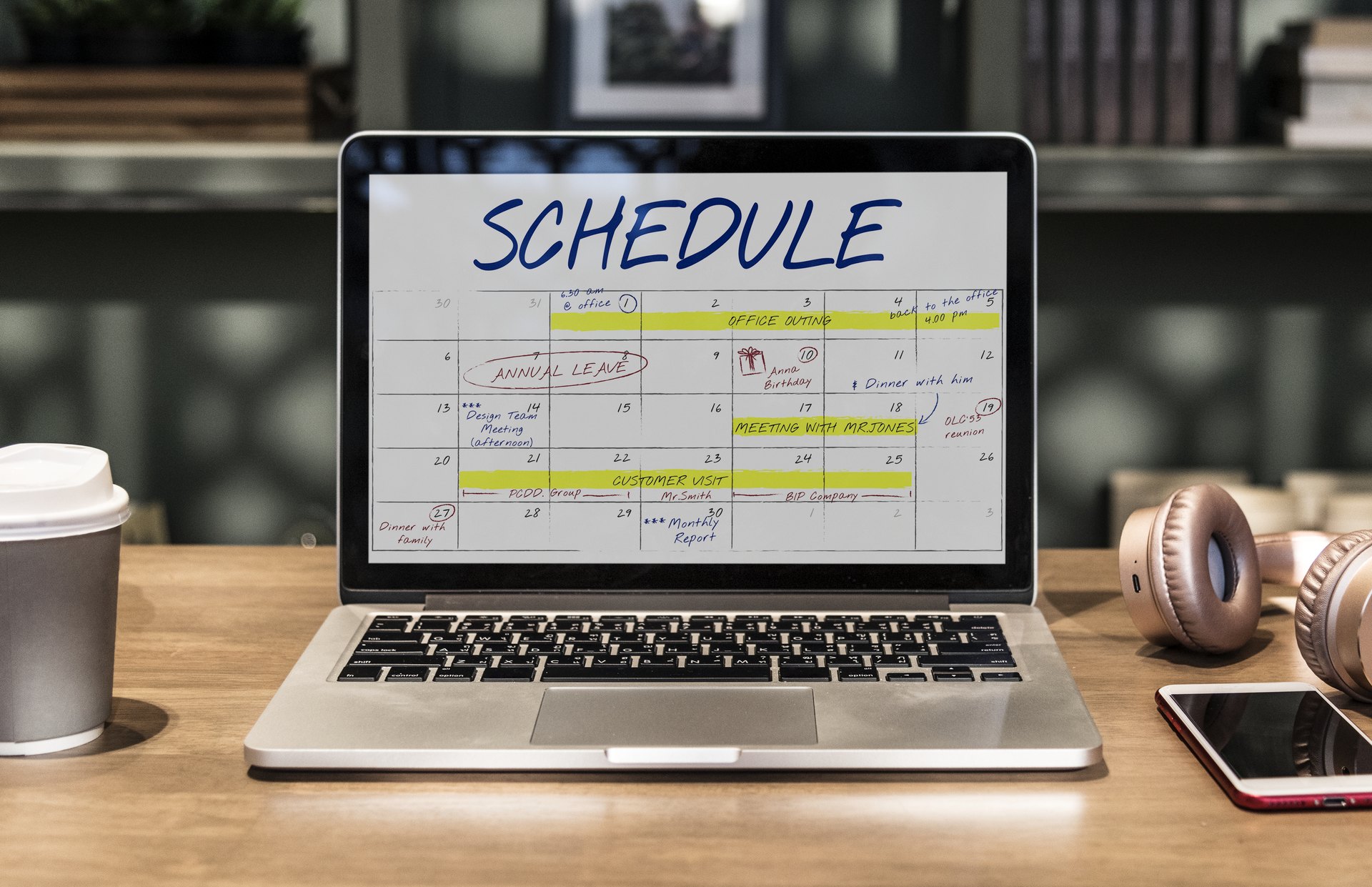
Schedule shifts &
track time.
Optimize your kitchen labor with precision scheduling. From
reusable templates for peak services to real-time clock-in tracking,
ensure every station is covered without the overtime headache.
- Shift Creation
- Templates
- Employee Assignment
- Clock In/Out
The Master Rota
Real-time visibility into your kitchen's pulse.
08:00 - 16:00
Exec Sous
08:00 - 16:00
Exec Sous
12:00 - 22:00
Dinner Service
16:00 - 00:00
Line Lead
16:00 - 00:00
Line Lead
16:00 - 02:00
Overtime Risk
16:00 - 01:00
Line Lead
- Mon 12
08:00 - 16:00
Exec Sous
- Tue 13
08:00 - 16:00
Exec Sous
- Wed 14Leave Conflict
- Thu 15
12:00 - 22:00
Dinner Service
- Tue 13
16:00 - 00:00
Line Lead
- Wed 14
16:00 - 00:00
Line Lead
- Thu 15
16:00 - 02:00
Overtime Risk
- Fri 16
16:00 - 01:00
Line Lead
Shift Templates
Save your 'Breakfast Team' or 'Closing Shift' patterns.
Breakfast Rush
06:00 - 11:30 • 4 Staff
Closing Service
18:00 - 01:00 • 8 Staff
Planned vs. Actual
Instant analytics on your labor cost efficiency. Spot variances before they affect your bottom line.
Mains
+4.2%
Prep
-1.8%
Pastry
0.0%
Bar
+2.1%
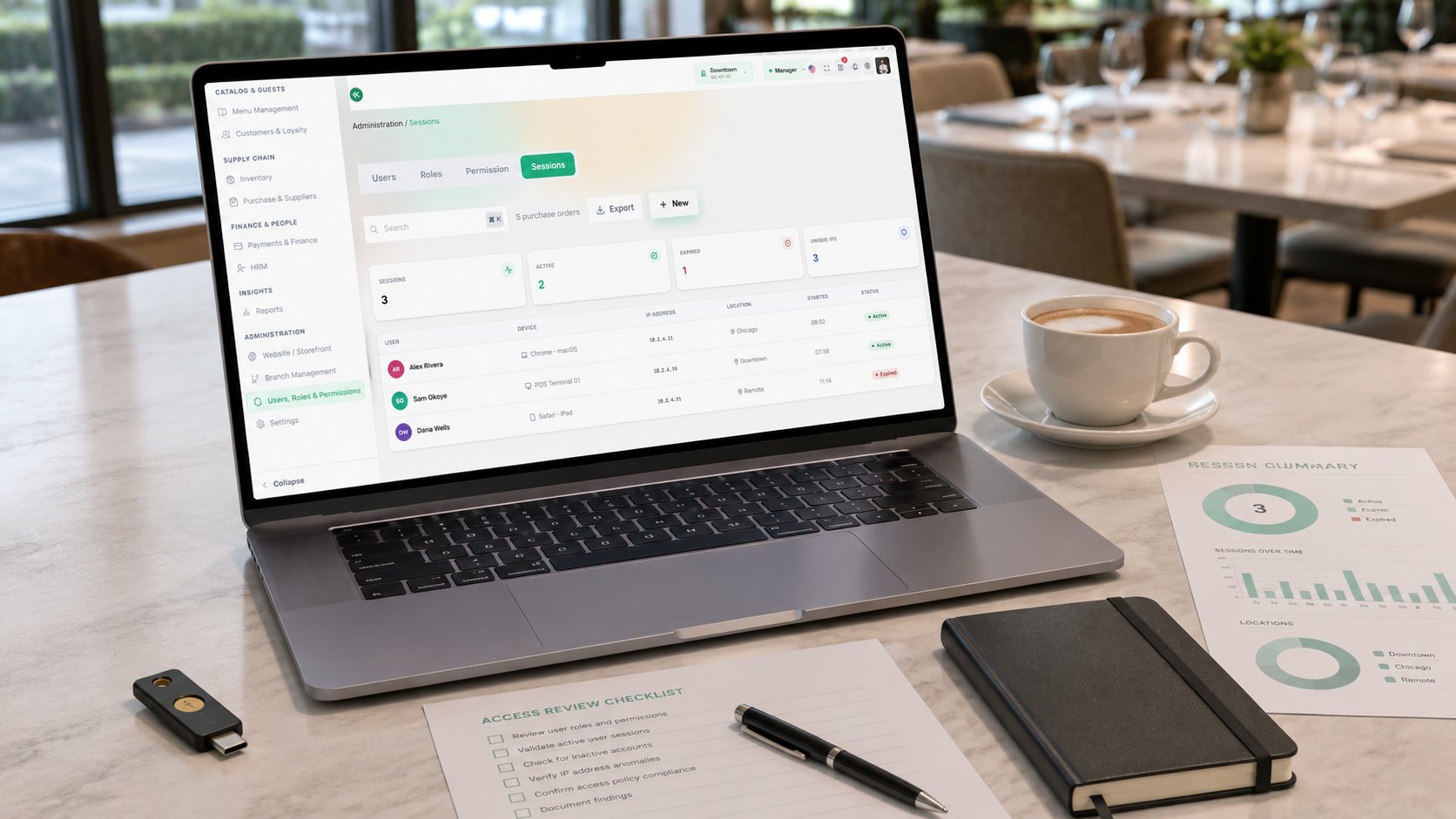
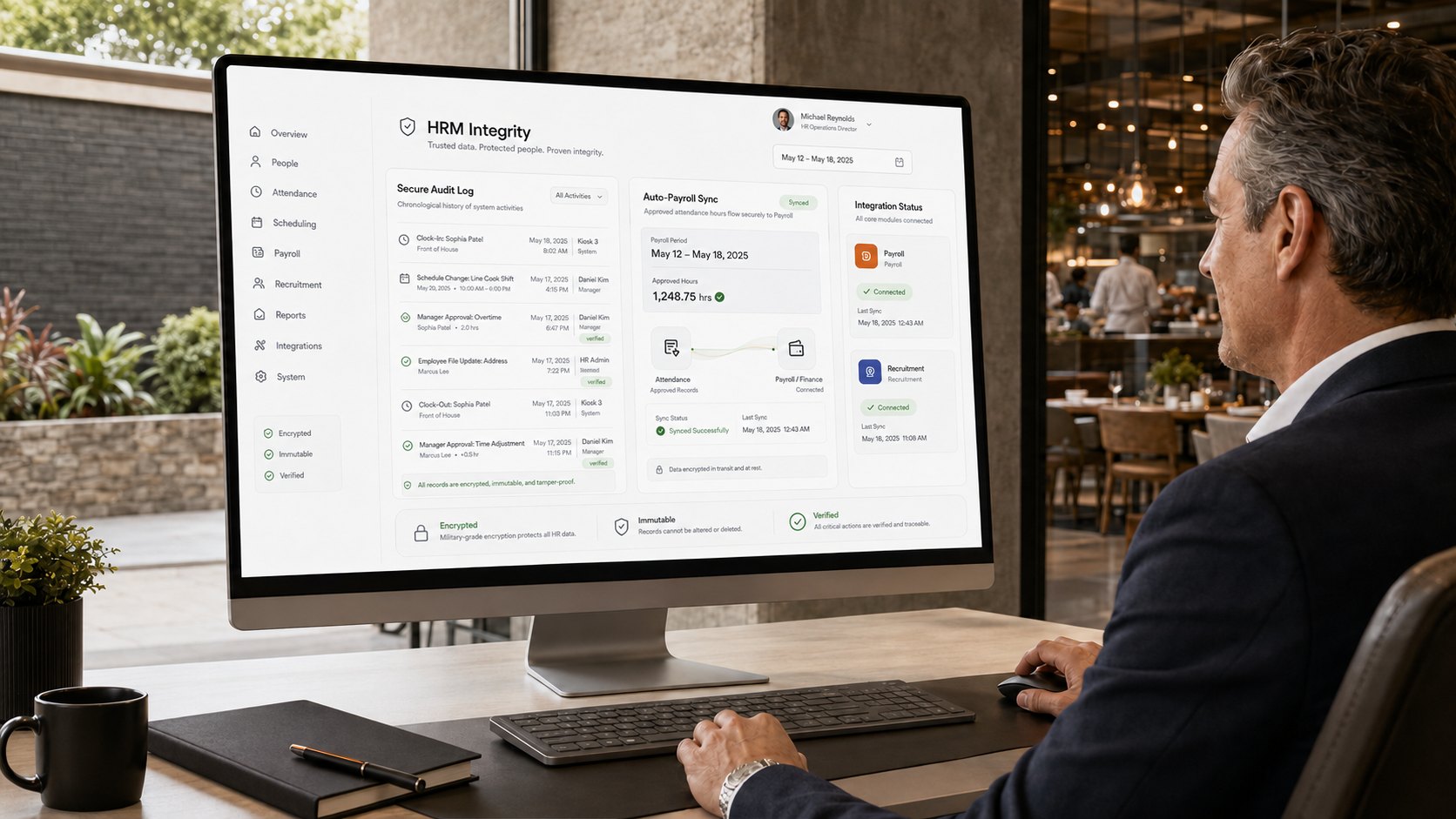
Military-Grade HRM Integrity
Vertex POS doesn't just manage shifts; it protects your business. Every clock-in, schedule change, and approval is logged in a secure, encrypted audit history. Seamlessly integrated with payroll and recruitment modules.
Secure Audit Log
Immutable records of all changes.
Auto-Payroll Sync
Instant data transfer to finance.
Frequently Asked Questions
Yes — save any week as a template with its shifts, roles and station assignments, then apply it to a future week in a single action. Keep separate templates for quiet weeks, weekends and holiday periods, and adjust the generated rota before you publish it.
As you build the rota, Vertex totals each person's scheduled hours against their contracted limit and warns you before you publish a shift that would tip them into overtime. Actual clocked hours are tracked against the plan through the week, so unplanned overtime shows up while you can still act on it rather than at the payroll run.
Approved leave is written onto the roster, so anyone who is away shows as unavailable and the scheduler flags the clash the moment you assign them a shift. You can reassign the shift to an available team member before the rota is published, so nobody is scheduled while they are off.
Yes — clock-in can be bound to a specific terminal so hours are only ever recorded on site at that device. If you would rather allow mobile punches, open clock-in up to the staff app and use geofencing to keep it inside the outlet.
Yes. Clock-in and clock-out records, breaks and any approved overtime roll into the pay period automatically, so payroll is calculated from the hours actually worked rather than from the planned rota.
Yes — scheduling permissions are scoped per outlet, so a branch manager can build and publish the rota for their own location and nothing else. Area managers and head office can be granted multi-site access when they need to see the whole group.

Ready to take control of your rota?
Join 5,000+ restaurants using Vertex POS to schedule shifts, track hours and keep labour costs under control.