
Adaptive Item Grid
Large, touch-optimised tiles with visual status indicators. Use colors and photos to guide staff to bestsellers at a glance.
- Custom tile sizes for top items
- Dynamic stock-level badges
- Multi-page category swiping
Browse by
Take Orders
6 featuresSee Vertex POS in Action
Explore how Vertex manages ordering, inventory, kitchen, payments and customer engagement all in one platform.
Book DemoGrow your business by reselling or integrating with Vertex. Partner with us
Browse by
Fine Dining
4 featuresFind Your Perfect Fit
Whether you run one outlet or five hundred, Vertex adapts to your service model.
Talk to an ExpertBrowse by
Learning
4 features2025 Restaurant Tech Guide
Download our definitive 40-page guide to choosing, implementing and scaling restaurant technology.
Download FreeBrowse by
Company
4 featuresBecome a Vertex Partner
Grow your business by reselling or integrating with Vertex.
Apply NowLearn More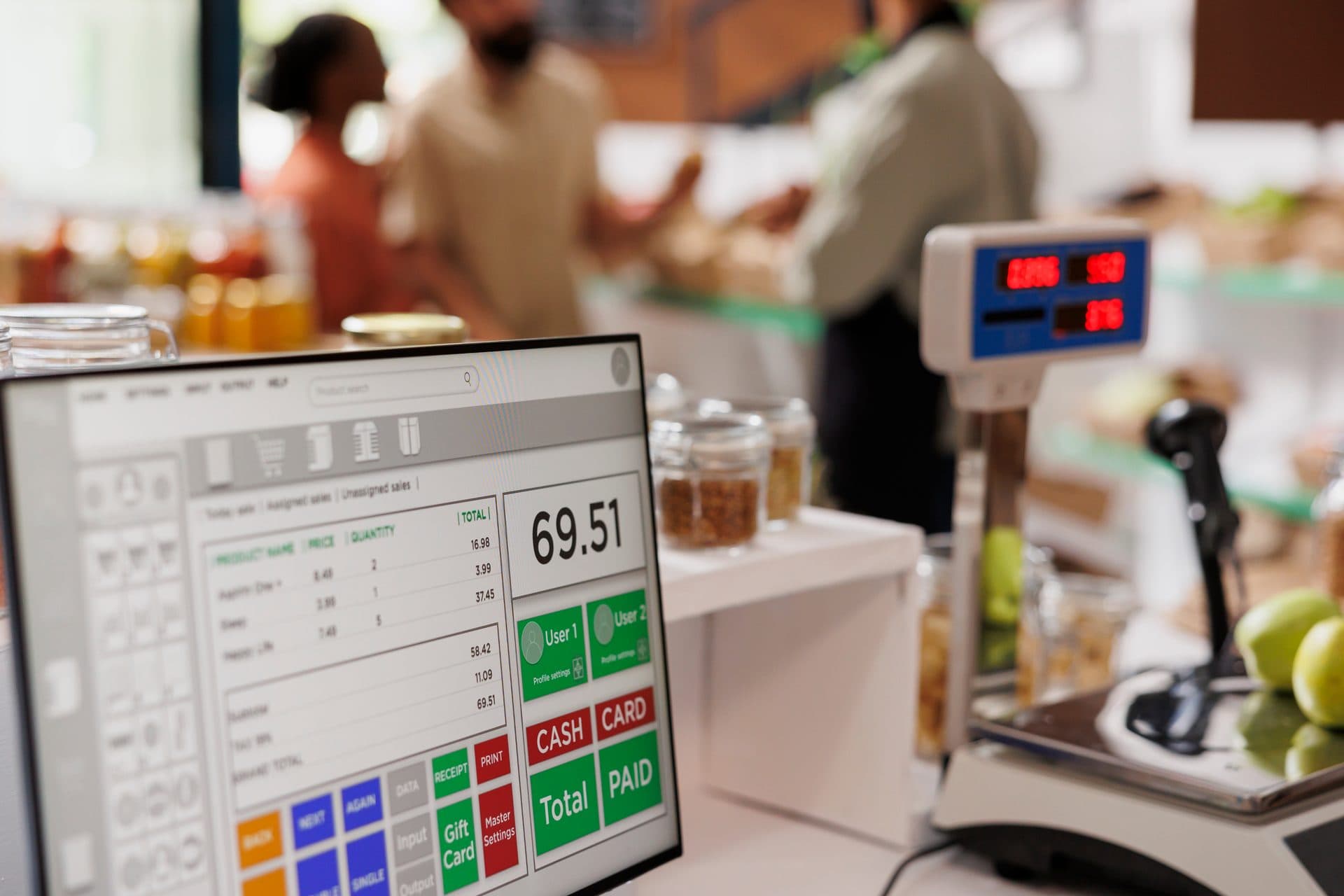
Cut down friction at the point of sale. The interface is built for speed, so your staff can move through a rush without missing a modifier.
Latency Advisory: Speed at the counter depends on local device specs, network stability, and optimal menu hierarchy setup.
Every pixel is placed for rapid-fire service. Move from order to payment without leaving the screen.
Large, touch-optimised tiles with visual status indicators. Use colors and photos to guide staff to bestsellers at a glance.
Stays on screen at the right. Staff keep modifiers, discounts, and the total order value in view.
Built-in smart logic for common cash amounts and card terminal triggers.
Stop scrolling through dinner items at 7 AM. Our grids automatically shift layouts based on the time of day or currently active staff role.
Fast
Grid load
Auto
Sync logic
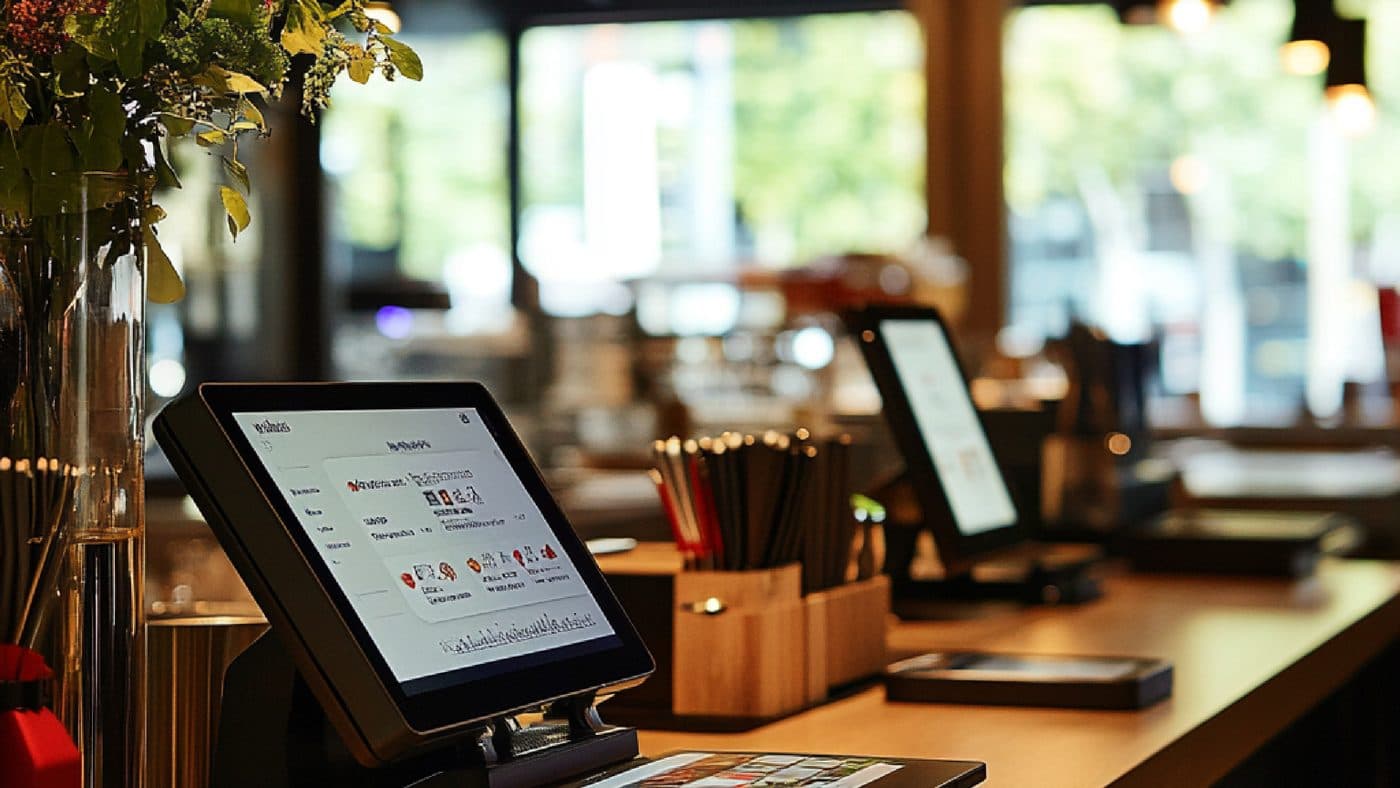
Reduce mistakes with forced choice modifiers. Milk type, heat level, or table numbers appear as non-intrusive overlays that can be answered without leaving the ticket.
Error Prevention
Won't let orders through without required choices.
Nested Logic
Complex orders simplified into linear steps.
Offline resilience
A connection drop in the middle of a rush shouldn’t empty the counter. The till reads from local data, so staff can keep building, holding and recalling tickets while the link is down, and those tickets are queued to sync once the connection returns. Taking a card is a different question — authorisation needs a live route to your processor — so ask us which tenders your own setup can accept while offline, and what happens to anything queued, before you plan a service around it.
A status badge on the till marks which tickets are still queued to sync, so the counter can see what has reached the cloud and what has not without asking anyone.
Elapsed timings are recorded against each ticket, so a shift that slowed down shows up as a pattern you can go and look at rather than something staff have to remember.
It is the ordering surface itself, tuned for a queue rather than a table. The capability strip on this page names the six pieces: one-tap items, a quick grid, modifier shortcuts, fast payments, held orders and kitchen routing. In practice that means a tile grid where your highest-volume items are one touch away instead of two menus deep, with tile sizes you set per item and a stock-level badge on the tile; a cart that stays on screen for the whole ticket so the modifiers, discounts and running total are visible while you build it rather than only at the end; modifier prompts that appear as an overlay on the item that needs them; a tender bar with preset cash amounts and split-tender options; the ability to park a ticket and pick it up again; and the finished ticket going to the kitchen without being re-keyed. Two framing points before the rest of these answers, because they apply to all of them. First, every number printed on this page is sample data used to show the shape of a screen — the 0.4s load time, the "under 10 seconds" order-to-payment line, the 12.4s, 09.8s and 15.2s in the live-times panel, the order numbers beside them. None of it is a projection of your results and none of it is a target we are setting for you. Second, and this is the honest version of the whole page: what is on offer here is fewer keystrokes and fewer places to hesitate on each ticket. That is a real and worthwhile thing at a counter doing hundreds of tickets in a lunch hour. It is not the same as making your service faster, and the difference between those two sentences is the subject of the next two answers.
We are not going to give you a number, and you should be wary of anyone who does. Throughput at a counter is set by the venue, not by the till: how many people are on during the rush and what each of them is doing, how complicated your menu is and how many decisions each item forces, how fast the kitchen or the bar can actually produce what has been ordered, how the counter is laid out and where the queue physically stands, whether there is one till or three, how long your staff have been doing the job, and what the order mix looks like at eleven versus at one. A POS sits at one point in that chain. If your bottleneck is the till — staff hunting for items, re-keying modifiers, losing their place mid-ticket — then reducing the taps per ticket helps, and it can help noticeably. If the bottleneck is the fryer, the espresso machine, the number of hands behind the counter or the door, then a faster ordering screen moves the queue from one place to another and the hour looks much the same. Worth knowing which one you have before you buy anything. The hero on this page says the interface is "engineered for speed, allowing your staff to serve more customers per hour without missing a modifier" — read that as the intent behind the design, not as a measurement of what will happen at your counter, because nobody has seen your counter. We will not quote you an orders-per-hour figure, a queue-time reduction, a covers increase or a saving, and we would rather tell you that than put a number in front of you that we cannot stand behind. What is worth doing instead: pick your busiest thirty minutes, count the tickets and time a handful of them as they are today, and use that as the baseline you measure against afterwards. That number is yours, it is real, and it is the only one that settles the question.
They are this page's own figures, produced under this page's own conditions, and they should be treated as lab numbers until our engineering team substantiates them against a stated test setup — hardware, menu size, network and method. We would rather say that plainly than have you plan a rush around a marketing figure. Take them one at a time. "Move from order to payment in under 10 seconds" describes a specific ticket: a small number of one-tap items with no complicated modifier tree, entered by somebody fluent in the layout, tendered by a method that resolves quickly. A five-item order with three forced-choice modifiers each, a split payment across two cards and a loyalty lookup is not that ticket and will not be that ticket. The 0.4s beside "LOAD TIME" refers to a grid drawing on screen, not to a whole transaction, and it depends on the device it is drawn on. The live-times panel showing 12.4s, 09.8s and 15.2s is a mock screen, and it is the most useful thing on the page precisely because it shows a slow ticket next to two fast ones — that is what a real service looks like. This page also carries its own latency advisory, and it is worth reading twice: "Maximum speed performance is dependent on local device specs, network stability, and optimal menu hierarchy setup." That is the honest condition set. For figures anything like these to hold at your counter you would need devices with enough processing power and memory to render a large grid without stutter, a network stable enough that nothing in the ticket has to wait on a round trip, a menu hierarchy actually organised so your top sellers are one tap from the default screen rather than left in whatever order they were imported, and staff who have used the layout long enough to stop reading it. Change any one of those and the timings change. If a specific responsiveness figure matters to you, the right move is to ask for it in writing, tied to a named device and menu size, and better still to time it yourself on your own hardware with your own menu loaded before you commit.
This is the answer to read carefully, because the design's wording is more absolute than the mechanism behind it. The page states, verbatim, that "our local-first architecture ensures the POS remains 100% functional offline" and that "orders sync to the cloud automatically the second you're back online". Here is what we will stand behind and what we will not. The part we are comfortable with is order entry: the till reads its menu and prices from local data, so when the link drops your staff can carry on building, holding and recalling tickets rather than watching a spinner, and the page's Offline Mode Visibility card describes a status marking which tickets are still queued to sync — which matters, because the failure mode you want to avoid is a counter that does not know what state it is in. The part we will not assert is payment. Authorising a card generally requires a live route to your payment processor; a till being usable offline and a card being approved offline are different things, and any transaction held back for later submission carries a genuine risk of declining when it is finally sent, with the loss landing on you rather than on the customer who has already walked out with their food. This page describes no store-and-forward mechanism, no retry schedule, no queue limit, no floor limit and no reconciliation routine, so we are not going to describe one to you — inventing that detail is exactly how people end up planning a Saturday around behaviour that does not exist. Put it to sales as a direct written question: which tender types can be accepted while this specific setup is offline, what happens to each one on reconnect, and who carries a decline. "The second you're back online" is also worth softening: the page states no sync interval and no conflict behaviour, so treat it as "when the connection returns" and ask what happens if two tills come back with overlapping tickets. And regardless of any of it, keep the manual fallback your venue already has. A written pad and a plan for a card terminal that will not authorise is not an admission that the software is bad; it is what every well-run counter has anyway.
Both are configuration, and both are only as good as the configuration you give them — which is the part worth budgeting for. The daypart grids do what the page describes: the layout that appears on the till shifts by time of day or by the role of the member of staff signed in, so nobody is scrolling past dinner items at seven in the morning. The comp shows a "Morning Shift View" promoting espresso and breakfast items. What that needs from you is a decision, made by somebody who knows the trade: which items belong on the default screen at each part of the day, in what order, and what happens at the edges — the ten-thirty changeover, the person who wants a breakfast item at two, the Sunday that runs on a different shape entirely. Nothing works that out for you, and a badly ordered grid is slower than no grid because staff learn to distrust it and start searching instead. The "Auto" label beside sync logic on that card means layout changes propagate rather than needing to be set on each till by hand; the page states no interval for that, so do not build a menu changeover around a specific number of seconds without asking. The guided modifier flows are forced-choice prompts: the overlay in the comp asks which milk before the item can be added, and the page's own bullets describe them as error prevention that "won't let orders through without required choices" and nested logic that turns complex orders into linear steps. That genuinely does catch the classic counter error, which is the drink that reaches the bar without anyone knowing what milk it takes. Two honest caveats. It catches missing choices, not wrong ones — nothing here knows the customer said oat and the server tapped soy, and no software can. And every required choice is a tap, so a modifier tree built by someone being thorough rather than someone being fast will slow your tickets down while feeling like a safety improvement. Make the required prompts genuinely required, leave the rest optional, and have whoever runs the counter review the tree after a fortnight of real service rather than signing it off on the day it is built.
That is a sales and scoping question, and we would be guessing if we answered it here. This page names no terminal model, no tablet, no card reader, no receipt printer, no kitchen printer, no router and no network specification, and we are not going to invent one — a hardware answer that turns out to be wrong is expensive in a way that a vague marketing sentence is not. What the page does tell you is the shape of the dependency, in its own latency advisory: "Maximum speed performance is dependent on local device specs, network stability, and optimal menu hierarchy setup." Read that as an admission that the device matters. A large touch grid with photographs on the tiles, redrawn as staff swipe between category pages, asks more of a device than a simple list does, and an older terminal that copes with your current till may not feel quick running this — which is the whole point of the page and therefore the thing worth checking first. So: take an inventory of what you actually have, model numbers and ages included, and put it to sales in writing along with the things around it — how many tills per counter, whether the kitchen routing on this page needs printers or screens and which, how your card terminals connect and to whom, what your counter's network looks like at the busiest moment rather than at nine in the morning, and what happens to all of it when the connection drops. Ask for the answers in writing, and ask specifically whether your existing devices are supported or merely likely to work, because those are different commitments. If any of it is genuinely close to the line, ask for a trial on your own hardware with your own menu loaded during a real rush. An hour of that will tell you more than any specification sheet, and it is a reasonable thing to ask for before you buy.

Tell us how the rush really runs — how many tills are open at midday, how deep the modifier tree goes on your busiest items, who is on the screen in their first week, what your team does when the connection drops mid-ticket — and we will walk you through what Vertex would change at the counter and what it would leave to your kitchen and your staffing, before you commit to anything.