
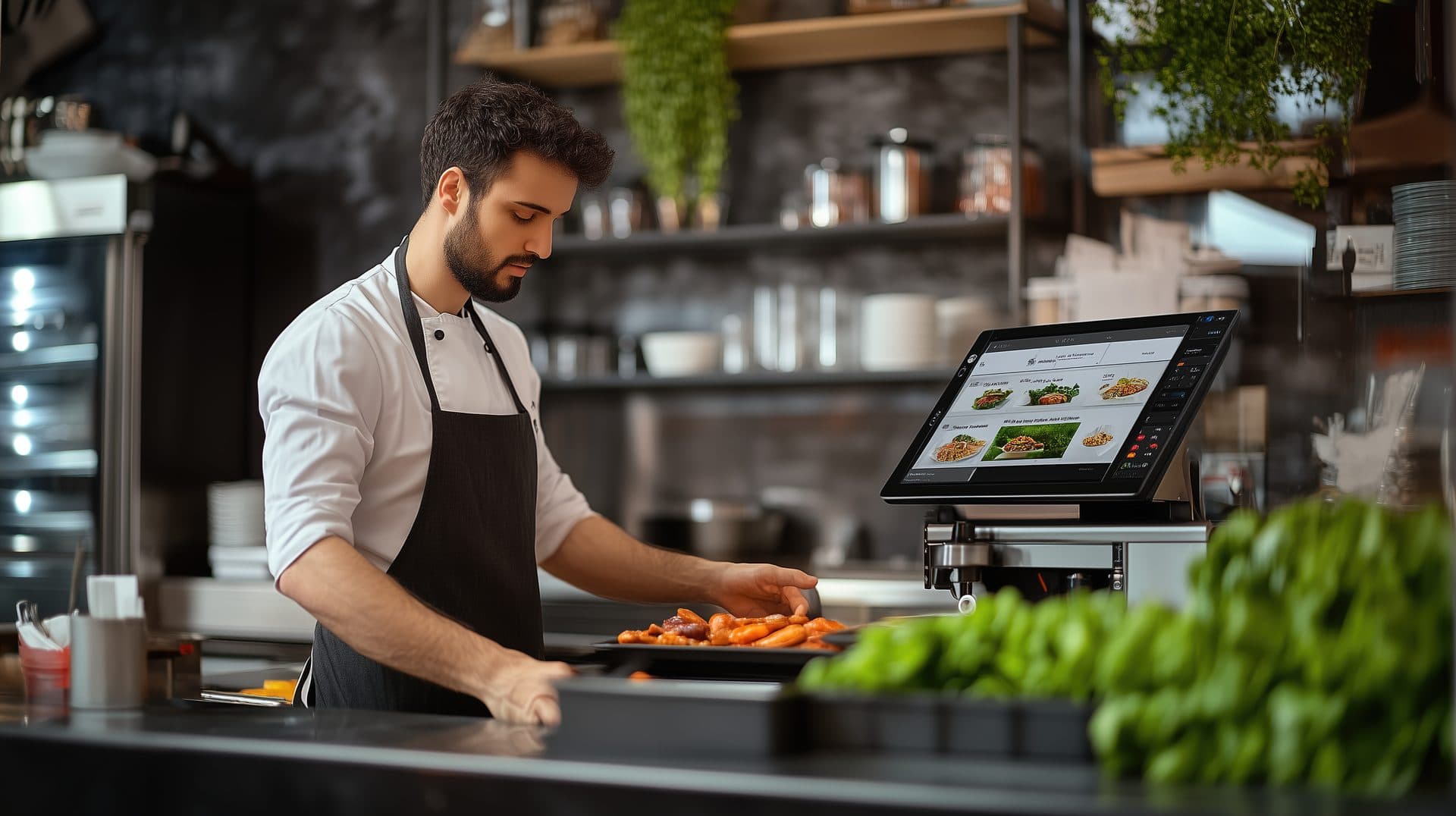
Sequence courses and fire items at the right moment.
Coordinate the dining room and kitchen with course sequencing, hold and fire controls, and table-level pacing.
Course Sequencing
Define the perfect service order.
Hold & Fire
Release items when ready.
Coordination
Sync across multiple stations.
Table Pacing
Monitor gaps between courses.
Ready Alerts
Alerts the moment a course is marked ready.
The Anatomy of a Service Course
Track every dish from the first order to the final presentation with professional-grade precision.
Ordered
Placed by Service Staff
Held
Waiting for trigger
Fired
Released to kitchen
Preparing
Active production
Ready
Plated at Expo
Served
At guest table
Complete control over production flow.
Cut down on early arrivals and cold plates. With Hold & Fire, servers choose when the kitchen starts preparing each course, keeping the front of house and the line in sync.
One-Tap Firing
Release courses from any handheld or station tablet in a single tap.
Automated Wait Times
Set defaults that fire the next course after a chosen wait.
Table 12
Guests 1–4
Appetizers
Served 14:02
Main Course
HELD — Ready to Fire
Confirm Fire: Main Course?
Illustration of the fire confirmation prompt. The controls shown below are not interactive.
Sample table, courses and figures shown for illustration.
Notification engine
Stay informed without the kitchen shouting.
Our notification system bridges the gap between the kitchen line and the server floor, sending status updates on course readiness as soon as the expo marks a station. How quickly an alert lands depends on your devices, your network and the team picking it up.
Table 12 - Main Ready
Just now
Mains are plated and ready at the Expo station. Proceed to pick up.
Table 12 - Main Course Status
5 of 6 plates
- Grill StationGrill station: ready
- Sauté StationSauté station: ready
- Pasta StationPasta station: still cooking, 01:45 remaining
Sample table, stations and figures shown for illustration.
Frequently Asked Questions
It keeps a ticket in order and it keeps everyone looking at the same order. When a server takes an order, each item is assigned to a course, and the table's ticket is built as a sequence rather than as one undifferentiated list — that is the "Course Sequencing" tile on this page, and the sequence is the one you define, not one we impose. Each course then moves through the six states this page lays out: Ordered when the server places it, Held while it waits for a trigger, Fired once it is released to the kitchen, Preparing while the line works on it, Ready when it is plated at the pass, and Served once it reaches the guest. Alongside that, the page shows a table pacing view for watching gaps between courses, a station board showing which stations on a given course are done and which are still working, and a notification to the floor when a course is called ready. What that adds up to is a shared, current picture of where a table is: the server can see that mains are still on the pass rather than walking over to find out, and the kitchen can see which courses are cleared to start rather than working from shouted calls. Two things worth being clear about, because they set the boundary of everything below. First, this is a coordination and record-keeping layer over your service, not a production system — it routes and displays information about work that people do. Second, the states only reflect reality to the extent that someone updates them; a course marked Ready that is sitting under a lamp because no one collected it will still read Ready on every screen.
We are not going to promise you that, and you should be sceptical of anyone who does. Timing is the kitchen's — it comes from your cook times, your station load, how many tables are on at once, who is working the pass and how quickly a plate gets run. Vertex does not cook, plate or carry anything, and it does not make any of those steps faster. What it does is narrower and still useful: it holds a course out of the kitchen's queue until someone releases it, so the line is not starting mains while starters are still being eaten, and it shows the same status to the floor and the line so the two are not working from different assumptions. The page's own wording is "prevent early arrivals and cold food" and "ensuring synchronization between the front of house and the line" — read that as describing the intent of the design rather than an outcome we can stand behind, and treat it as copy to confirm with us before you rely on it. The honest version is that firing at a better moment removes one common cause of a course arriving too early, which is the kitchen starting before the table is ready for it. It does nothing about the other causes. If the pass is unstaffed, if there is no one free to run the plate, if a station is backed up, or if the course was fired at the wrong moment because the person firing it misread the table, the plate will still sit and it will still cool. Similarly, nothing here will turn tables faster or let you serve more covers, and we make no claim of that kind: those depend on your kitchen's capacity, your staffing and your dining room, none of which software changes. Judge this the way you would judge a well-run ticket rail — worth having, and not a substitute for the people working it.
What this page shows is an in-app notification and a status board. The notification reads like the example on the page — "Table 12 — Main Ready", with a line telling the server the mains are plated at the expo station and to come and collect — and the board next to it shows a course broken down by station, with each station marked ready or still counting down, plus a progress indicator for how many of the table's items are done. That is the whole of what this page describes. It does not name a device, a screen, a printer, a pager, an SMS service or a push provider, so we are not going to name one either. Which devices your team would actually see these alerts on, what happens when a device is locked or asleep, whether anything reaches a handset outside the venue, and what hardware sits at the pass and on the line are all real questions with answers specific to your setup — ask sales, get the answer in writing, and test it on your own devices before you build a service routine around it. On dependability, the page says "instant notifications when ready" and "real-time status updates"; both are the page's phrasing, both should be verified with us, and neither is a claim we would repeat unqualified here. An alert is a prompt for a person, and prompts get missed — a server is at another table, the tablet is in someone's apron, the screen is face down on the pass. So keep the human call as the primary mechanism and treat the notification as the thing that reduces how often you need it, not the thing that replaces it. Decide who is responsible for watching the board during service, and do not let a course sit on the assumption that a screen somewhere has already told somebody.
Probably, but differently, and it is worth thinking that through before you buy rather than after. Coursing is a service-style decision that belongs to you. Vertex applies the coursing rules you configure — how many courses you run, what belongs in each, which ones are held by default, whether firing is manual or follows a timed default, how a table is paced — and different rooms will configure all of that differently. A tasting menu, a two-course lunch trade and an à-la-carte room with a long ticket are three different problems, and the software's job is to carry whichever of them you already run rather than to convert you to a house style. Where the mismatch bites is on the parts of this page that assume a particular kitchen shape. The screens shown here picture an expo or pass where courses are plated and called, and a line divided into several stations — grill, sauté, pasta — that finish parts of the same course independently. If you have no expo, the Ready state has no natural owner and someone has to be given that job explicitly, or the state stops meaning anything. If you run one station, the station board has little to tell you and the value narrows to sequencing and holding. If your chef calls the pace rather than your servers, you will want firing to sit with the kitchen rather than with the floor, which is a configuration and permissions question rather than a feature question. None of that is a reason not to use it; it is a reason to walk your actual service through with sales — your courses, who calls the pass, who fires, how many stations, how a table is paced — and have them show you the setup that matches, plus what it would not do for you. The tool supports a process. It does not decide what your process should be.
They are defaults and countdowns, not predictions, and the difference matters. The automated wait times feature on this page is described as setting smart defaults to fire the next course after a specific duration: you configure a gap — say, the interval you usually want between starters clearing and mains being started — and rather than waiting for a person to press fire, the next course is released once that interval has passed. It is a rule you wrote being applied consistently. It has no view of your dining room. It does not know that table nine is lingering over wine, that a guest has stepped outside, or that the grill has just taken six tickets at once. So a timed default is a sensible baseline for a room with a predictable rhythm and a liability in a room without one, and it should be used with an easy manual override and with someone watching. The station countdown on the board — the example on this page shows a station with one minute forty-five remaining — works the same way: it is counting down against a configured duration for that item or station, so it tells you how long is left on the clock somebody set, not how long the cook will actually take. Real cook times move with volume, with how loaded the station is, with the item and with the person on it. Treat the number as a pacing aid for the floor, useful for deciding whether to pour another glass or head toward the pass, and not as an arrival time you would repeat to a guest. Two practical suggestions. Set your initial durations from your own service data rather than from a default, and revisit them once you have run a few weeks of real service against them. And review them again whenever something material changes — a menu change, a new station layout, a different level of staffing — because a duration that was right for last season's menu quietly becomes wrong.
Notes and flags entered against an item travel with that item through the ticket and onto the screens the kitchen and the pass are looking at, so a dietary requirement recorded at the table is visible to the people cooking and plating rather than being remembered by one server. That is genuinely worth having, particularly across a coursed ticket where the same guest's dishes arrive at different times and, on a multi-station course, may be finished by different people. But we want to be exact about what that is and is not. Vertex does not verify allergen information. It carries what your team enters. It has no independent knowledge of what is in a dish, it cannot detect that a recipe changed, that a supplier substituted an ingredient, or that a garnish was added at the pass, and it does not check a flagged dish against your recipes before it goes out. It makes no determination about your obligations under local food-safety or allergen-labelling law, and it is not a substitute for the controls you run in the kitchen. Accuracy is entirely a function of what gets recorded: a requirement taken verbally and never entered does not exist as far as any screen is concerned, and a seat number entered wrongly puts the flag in front of the wrong plate. So keep the process you have. Confirm requirements with the guest, have the kitchen confirm before the course is fired, keep your allergen matrix current and owned by a named person, and make the check at the pass a human step before the plate leaves. Treat what is on the screen as a useful prompt that the process is running, never as the confirmation itself, and take your obligations to your own food-safety adviser or environmental health officer rather than to a software page.
Ready to sequence service the way your kitchen runs?
Walk us through how your dining room and your line work together — your courses, who calls the pass, who fires, how a table gets paced — and we will show you what Vertex would and would not change about it before you commit to anything.